 Project management connector
Asana in Claude, ChatGPT and any MCP client. For your whole team.
Projects, tasks, comments, status updates, goals. One token in Loopthink, one login per person, roles per tool and an audit entry for every call.
Free for 2 connectors, no card · Pro €19 · EU-hosted · 17 read tools, 2 write tools off by default
“Which tasks in the Website relaunch are overdue, and who owns them?”
Three tasks are past their due date:
| Task | Owner | Due | Days late |
|---|---|---|---|
| Finalise pricing page copy | Mara Lenz | 14 Oct 2026 | 7 |
| Migrate blog images | Jonas Weber | 16 Oct 2026 | 5 |
| Set up redirects | Lea Brandt | 19 Oct 2026 | 2 |
- read-only
- logged
One token in, the tools come out.
Asana holds the work of a team: projects with sections, tasks with assignees and due dates, subtasks, comments, status updates, portfolios and goals. The "what is late" question is easy for one project and a chore across twenty.
With the Asana connector, Project leads, PMO and Management ask in Claude or ChatGPT and get the answer from the live workspace. Loopthink holds one personal access token of a technical user, every person signs in with their own identity, and every call is logged under their name.
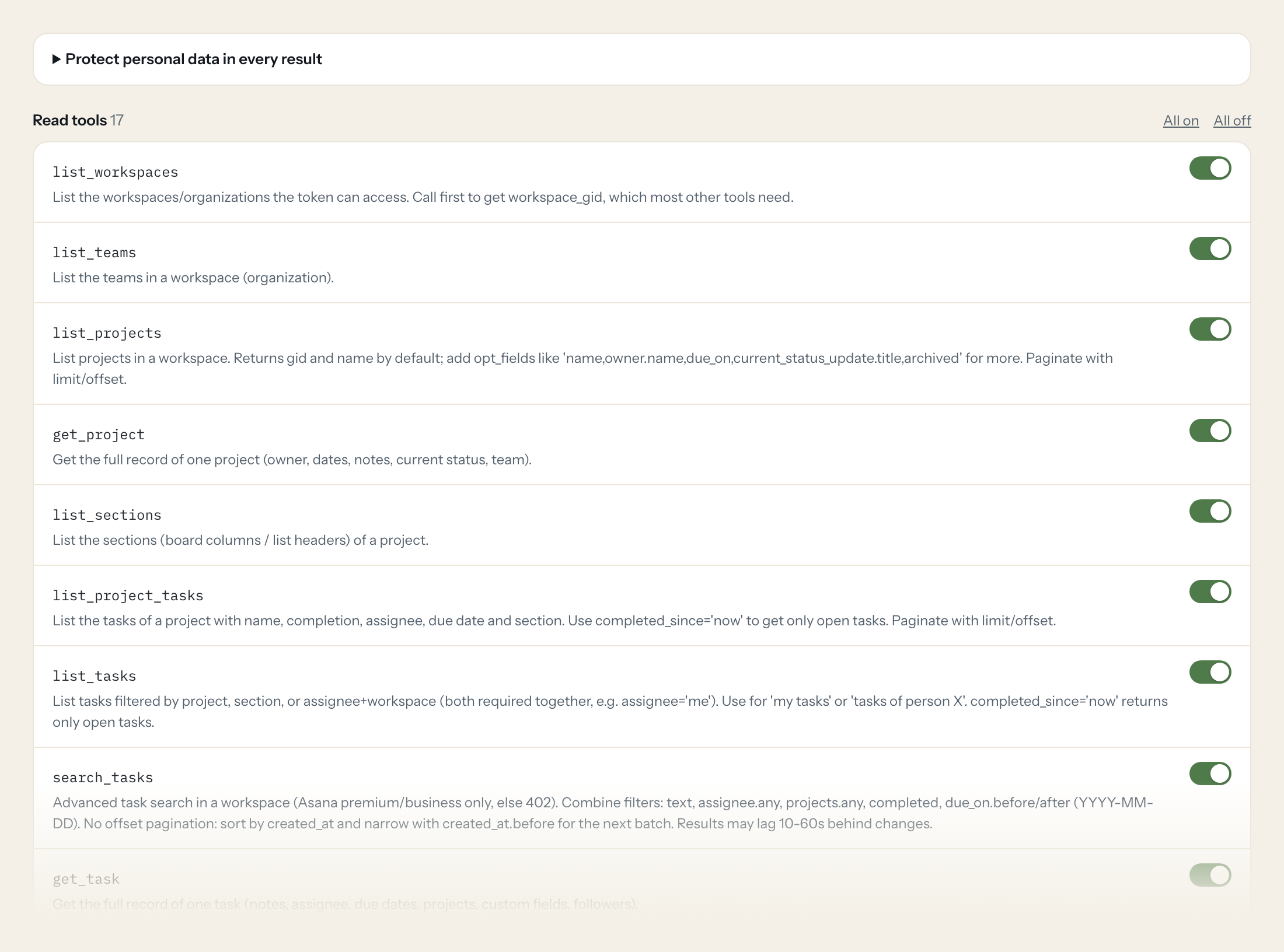
Seventeen read tools cover workspaces, teams, projects, sections, tasks and subtasks, stories, status updates, users, portfolios and goals. The two write tools, creating a task and adding a comment, stay off until you switch them on for a role.
- Project lead
“Which tasks in the Website relaunch are overdue, and who owns them?”
Answered by
list_project_tasks - PMO
“The latest status update of every project in the Marketing portfolio.”
Answered by
list_status_updates - Management
“Which goals are off track this quarter?”
Answered by
list_goals - Team member
“What is assigned to me and due this week?”
Answered by
list_tasks - Project lead
“Summarise the comments on the 'Launch checklist' task.”
Answered by
list_task_stories - Project lead
“Create a task 'Update pricing page' in Website relaunch, due Friday, assigned to Mara.”
Answered by
create_task
What the Asana connector can do.
| Tool | What it does | Access | Default |
|---|---|---|---|
| list_workspaces | List the workspaces/organizations the token can access. Call first to get workspace_gid, which most other tools need. | Read | On |
| list_teams | List the teams in a workspace (organization). | Read | On |
| list_projects | List projects in a workspace. Returns gid and name by default; add opt_fields like 'name,owner.name,due_on,current_status_update.title,archived' for more. | Read | On |
| get_project | Get the full record of one project (owner, dates, notes, current status, team). | Read | On |
| list_sections | List the sections (board columns / list headers) of a project. | Read | On |
| list_project_tasks | List the tasks of a project with name, completion, assignee, due date and section. Use completed_since='now' to get only open tasks. | Read | On |
| list_tasks | List tasks filtered by project, section, or assignee+workspace (both required together, e.g. assignee='me'). | Read | On |
| search_tasks | Advanced task search in a workspace (Asana premium/business only, else 402). Combine filters: text, assignee.any, projects.any, completed, due_on.before/after (YYYY-MM-DD). | Read | On |
| get_task | Get the full record of one task (notes, assignee, due dates, projects, custom fields, followers). | Read | On |
| list_subtasks | List the subtasks of a task. | Read | On |
| list_task_stories | List the activity and comments (stories) of a task. Set resource_subtype='comment_added' for comments only. | Read | On |
| list_status_updates | List status updates (on track / at risk / off track reports) of a project, portfolio or goal. | Read | On |
| list_users | List users of a workspace or team. Use to resolve a name to a user gid. | Read | On |
| get_user | Get one user record. user_gid can be a gid, an email or 'me' (the token owner). | Read | On |
| typeahead_search | Quick name search for one object type in a workspace. Fastest way to find a project, task, user, team, portfolio or goal gid by name. | Read | On |
| list_portfolios | List portfolios in a workspace. Use the gid with list_status_updates or list_goals. | Read | On |
| list_goals | List goals, filtered by workspace, team, project or portfolio. | Read | On |
| create_task | WRITE: Creates a new task in a project. Get project_gid from list_projects or typeahead_search. | Write | Off |
| add_task_comment | WRITE: Adds a comment to a task as the token user. Visible to all task followers. | Write | Off |
Write tools are off for every role until you switch them on, one tool for one role. The names are what the model sees; it also gets the full parameter description of each tool.
Getting the Asana token.
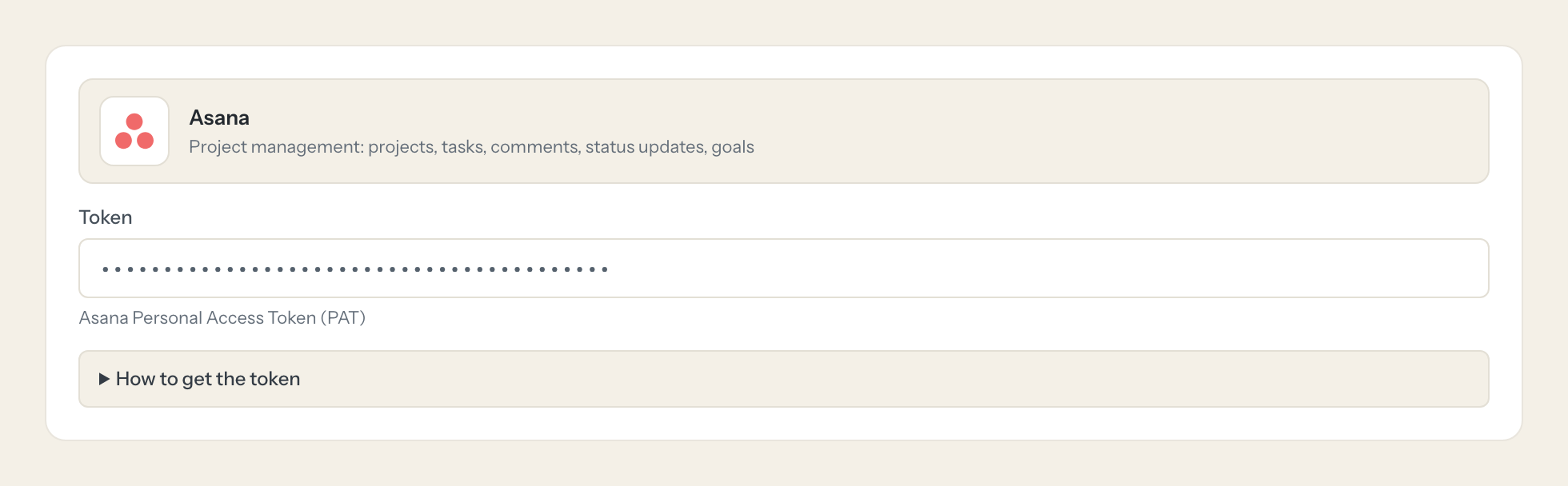
Five minutes, once. Nobody on your team ever sees it.
- 1
Log in to Asana with the account the AI should act as (ideally a dedicated technical user).
- 2
Open the developer console at https://app.asana.com/0/my-apps.
- 3
Click 'Create new token', enter a description (e.g. 'Loopthink') and confirm.
- 4
Copy the token immediately; it is shown only once.
- 5
In Loopthink, add Asana from the catalog and paste the token. Your team sees the tools a minute later.
A PAT acts with the full rights of the user who created it and has no scopes. Granular read scopes (tasks:read, projects:read, users:read, stories:read, ...) exist only for OAuth apps. Service account tokens are Enterprise only. Use a technical user that is a member of the relevant teams/projects only.
What we suggest masking in Asana.
Tasks and comments are written by people: names, emails, photos, assignees, followers and the free text of notes and comments. The suggested fields mask the people and the free text for roles that only need status, counts and dates; a Project lead gets a role that sees the comments.
- name
- photo
- assignee
- created_by
- followers
- notes
- html_notes
- text
- html_text
What Asana's own MCP server does not give you.
- One login per person in any MCP client, with the audit under that person's name instead of the token user.
- Tools per role: Management reads status updates and goals, only Project leads create tasks.
- Masking of names and comment text before the answer leaves the EU.
- Write tools off by default, switchable per tool and role.
- The same server in Claude, ChatGPT and Langdock, governed once.
Asana and Loopthink
- A personal access token has no scopes. How do we limit it?
- Create the token as a technical user that is a member of only the teams and projects the AI should see. Asana's granular read scopes exist for OAuth apps only, and service accounts are an Enterprise feature; the technical user is the practical route for everyone else.
- Does search_tasks work on our plan?
- Advanced task search is part of Asana's premium and business plans. On a free workspace the tool returns a 402 and the model falls back to list_project_tasks and list_tasks.
- Who appears as the author of a task or comment?
- The technical user whose token the connector holds. Who asked is in the Loopthink audit.
- Does every team member need their own Asana account?
- No. Loopthink holds one key or token for Asana. Your people sign in to Loopthink with their own identity, and every call to Asana is logged under their name. Seats in Asana stay where they are today.
- Where does the Asana key live?
- In Loopthink, encrypted, in the EU. It never reaches the AI client and never reaches the people using the connector. Rotate it in Asana whenever you like and paste the new one once.
- Can somebody write to Asana from the chat?
- Not unless you switch it on. Write actions are a separate row in the permission matrix and are off for every role by default. If a role needs one write tool, you grant that one tool to that one role.
- What does the model see?
- The result of the tool call, after masking. Fields you mark as personal, such as emails, names or card details, are masked before the answer travels to the AI client. The model gets the numbers, not the people.
- What does it cost?
- Free for one person and two connectors, no card. Pro is €19 a month for up to five people and every connector on the site, with roles, field masking and a 30-day audit. Team is €49 for ten people and adds your own REST APIs and SQL databases, your own domain and your own identity provider. No call needed.
Stuck, or a tool you need is missing? A person who knows this connector answers within one working day.
