 Project management connector
ClickUp in Claude, ChatGPT and any MCP client. For your whole team.
Spaces, lists, tasks, comments, time tracking, goals. One token in Loopthink, one login per person, roles per tool and an audit entry for every call.
Free for 2 connectors, no card · Pro €19 · EU-hosted · 16 read tools, 2 write tools off by default
“Open tasks in the 'Client Nordwind' list that are past due, by assignee.”
Three open tasks are past due:
| Task | Assignee | Due | Status |
|---|---|---|---|
| Final invoice draft | Mara Lenz | 15 Oct 2026 | in progress |
| Handover documentation | Jonas Weber | 17 Oct 2026 | to do |
| Client sign-off meeting | Lea Brandt | 20 Oct 2026 | in review |
- read-only
- logged
One token in, the tools come out.
ClickUp stacks everything into Workspaces, Spaces, Folders and Lists: tasks with statuses and custom fields, comments, time entries and goals. The hierarchy is the point of ClickUp and the reason a simple "what is open for client X" takes a few clicks too many.
With the ClickUp connector, Project leads, Account management and Management ask in Claude or ChatGPT and get the answer from the live Workspace. Loopthink holds one personal token of a technical user, every person signs in with their own identity, and every call is logged under their name.
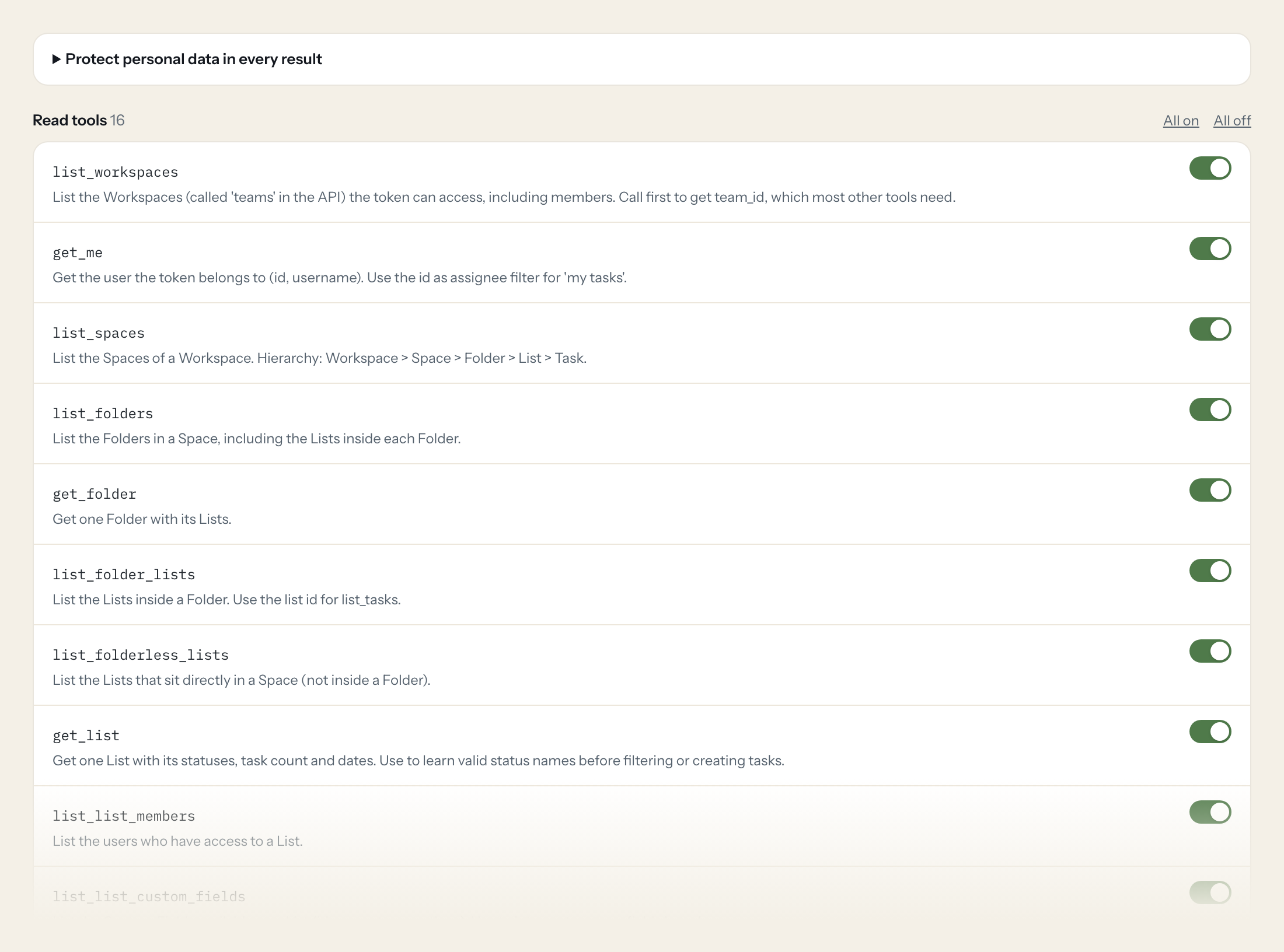
Sixteen read tools cover the hierarchy, lists with their statuses and custom fields, tasks in a list or across the Workspace, comments, time entries and goals. The two write tools, creating a task and adding a comment, stay off until you switch them on for a role.
- Project lead
“Open tasks in the 'Client Nordwind' list that are past due, by assignee.”
Answered by
list_tasks - Account management
“Everything tagged 'nordwind' across the Workspace that changed this week.”
Answered by
search_workspace_tasks - Management
“Hours tracked per person in the last 30 days.”
Answered by
list_time_entries - Team member
“What is assigned to me with status 'in review'?”
Answered by
search_workspace_tasks - Project lead
“Summarise the comment thread on task 'Launch checklist'.”
Answered by
list_task_comments - Project lead
“Create a task 'Send final invoice' in the Nordwind list, due Friday.”
Answered by
create_task
What the ClickUp connector can do.
| Tool | What it does | Access | Default |
|---|---|---|---|
| list_workspaces | List the Workspaces (called 'teams' in the API) the token can access, including members. Call first to get team_id, which most other tools need. | Read | On |
| get_me | Get the user the token belongs to (id, username). Use the id as assignee filter for 'my tasks'. | Read | On |
| list_spaces | List the Spaces of a Workspace. Hierarchy: Workspace > Space > Folder > List > Task. | Read | On |
| list_folders | List the Folders in a Space, including the Lists inside each Folder. | Read | On |
| get_folder | Get one Folder with its Lists. | Read | On |
| list_folder_lists | List the Lists inside a Folder. Use the list id for list_tasks. | Read | On |
| list_folderless_lists | List the Lists that sit directly in a Space (not inside a Folder). | Read | On |
| get_list | Get one List with its statuses, task count and dates. Use to learn valid status names before filtering or creating tasks. | Read | On |
| list_list_members | List the users who have access to a List. | Read | On |
| list_list_custom_fields | List the Custom Fields available on a List (id, name, type, options). Use to interpret custom_fields in task responses. | Read | On |
| list_tasks | List tasks in one List, max 100 per page. page is zero-based. | Read | On |
| search_workspace_tasks | Filter tasks across a whole Workspace (all Spaces/Lists the token can see), max 100 per page, page zero-based. Use for 'all overdue tasks', 'tasks of person X'. | Read | On |
| get_task | Get one task with description, status, assignees, dates, custom fields and time spent. | Read | On |
| list_task_comments | List comments of a task, newest first, 25 per call. For older comments pass start (date of the last comment, Unix ms) and start_id (its id) together. | Read | On |
| list_time_entries | List time entries in a Workspace for a date range (default: last 30 days, only the token user's entries). Dates in Unix ms. | Read | On |
| list_goals | List the Goals of a Workspace. | Read | On |
| create_task | WRITE: Creates a new task in a List. Get list_id via list_folder_lists/list_folderless_lists and valid status names via get_list. | Write | Off |
| add_task_comment | WRITE: Adds a comment to a task as the token user. Assignees and watchers are notified. | Write | Off |
Write tools are off for every role until you switch them on, one tool for one role. The names are what the model sees; it also gets the full parameter description of each tool.
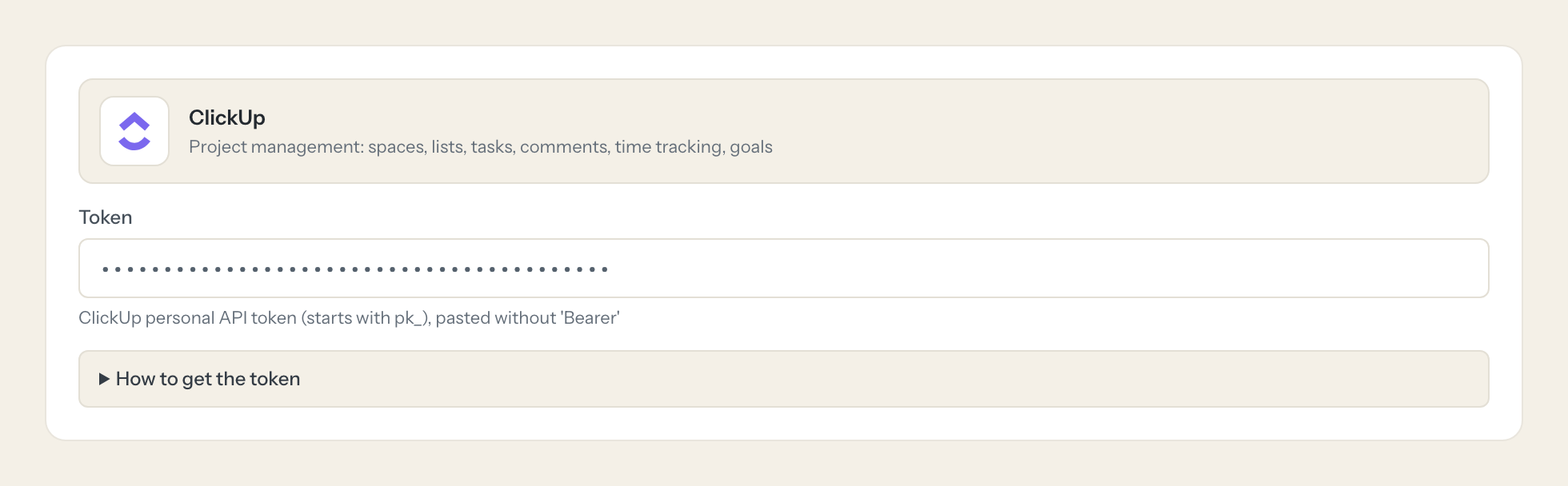
Getting the ClickUp token.
Five minutes, once. Nobody on your team ever sees it.
- 1
Log in to ClickUp with the account the AI should act as (ideally a dedicated technical user).
- 2
Click your avatar (top right) > Settings > Apps (https://app.clickup.com/settings/apps).
- 3
Under 'API Token' click Generate (or Regenerate).
- 4
Click Copy and paste the pk_... token into Loopthink.
- 5
In Loopthink, add ClickUp from the catalog and paste the token. Your team sees the tools a minute later.
The personal token has no scopes, never expires and acts with the full rights of its user. Add the technical user only to the Spaces the AI should see. Time entries of other users are only visible if the token user is Workspace Owner/Admin.
What we suggest masking in ClickUp.
Tasks carry people: assignees, watchers, creators with username and email, and the free text of descriptions and comments. The suggested fields mask the people and the free text for roles that only need statuses, counts and dates; Project leads get a role that sees the comments.
- username
- profilePicture
- initials
- user
- assignees
- watchers
- creator
- comment_text
- description
- text_content
What ClickUp's own MCP server does not give you.
- One login per person in any MCP client, with the audit under that person's name.
- Tools per role: Management reads time entries and goals, only Project leads create tasks.
- Masking of names and comment text before the answer leaves the EU.
- Write tools off by default, switchable per tool and role.
- The same server in Claude, ChatGPT and Langdock, governed once.
ClickUp and Loopthink
- The personal token never expires and has no scopes. How do we limit it?
- Create it under a technical user and add that user only to the Spaces the AI should see. The connector sees exactly what that user sees. Rotate the token by regenerating it in ClickUp and pasting it once.
- Why does list_time_entries only show one person?
- ClickUp shows other users' time entries only to Workspace Owners and Admins. If Management should see hours per person, the technical user needs the Admin role.
- Who appears as the author of a task or comment?
- The technical user. Who asked is in the Loopthink audit, and assignees and watchers are not notified by the create tools.
- Does every team member need their own ClickUp account?
- No. Loopthink holds one key or token for ClickUp. Your people sign in to Loopthink with their own identity, and every call to ClickUp is logged under their name. Seats in ClickUp stay where they are today.
- Where does the ClickUp key live?
- In Loopthink, encrypted, in the EU. It never reaches the AI client and never reaches the people using the connector. Rotate it in ClickUp whenever you like and paste the new one once.
- Can somebody write to ClickUp from the chat?
- Not unless you switch it on. Write actions are a separate row in the permission matrix and are off for every role by default. If a role needs one write tool, you grant that one tool to that one role.
- What does the model see?
- The result of the tool call, after masking. Fields you mark as personal, such as emails, names or card details, are masked before the answer travels to the AI client. The model gets the numbers, not the people.
- What does it cost?
- Free for one person and two connectors, no card. Pro is €19 a month for up to five people and every connector on the site, with roles, field masking and a 30-day audit. Team is €49 for ten people and adds your own REST APIs and SQL databases, your own domain and your own identity provider. No call needed.
Stuck, or a tool you need is missing? A person who knows this connector answers within one working day.
