 Payments connector
Stripe in Claude, ChatGPT and any MCP client. For your whole team.
Balance, payouts, payments, customers, invoices, subscriptions (read only). One token in Loopthink, one login per person, roles per tool and an audit entry for every call.
Free for 2 connectors, no card · Pro €19 · EU-hosted · 23 read tools
“Which balance transactions were included in payout po_3Qx7Lk and what was the total fee?”
Payout po_3Qx7Lk bundles 38 transactions, total fee 184.62 €. The largest three:
| Type | Description | Gross | Fee |
|---|---|---|---|
| charge | Acme GmbH, annual plan | 2,388.00 € | 35.11 € |
| charge | Huber AG, 12 seats | 1,188.00 € | 17.51 € |
| refund | Nordwind Handel, duplicate | −228.00 € | 0.00 € |
- read-only
- logged
One token in, the tools come out.
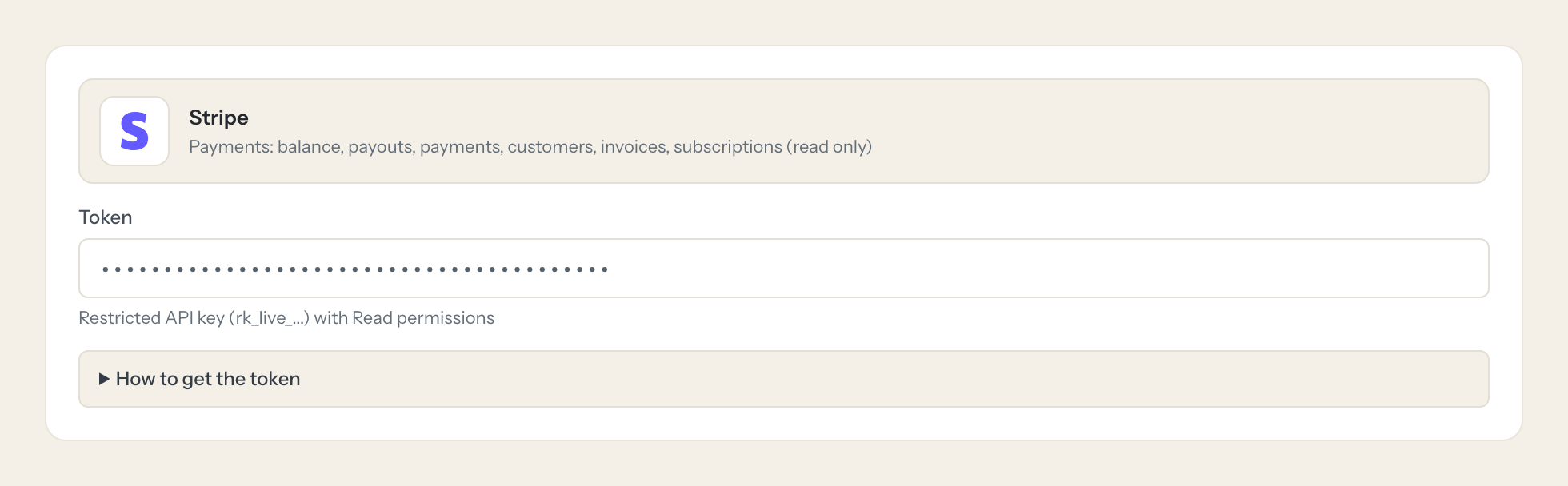
Stripe is where revenue arrives: the balance and the payouts to the bank, charges and payment intents, customers with their invoices and subscriptions, refunds and disputes. The questions are simple, "what did Tuesday's payout contain", "which invoices are open above 500 euros", but today they take a Dashboard login, the right filter and a CSV export that lands in someone's inbox.
With the Stripe connector, Finance, Management and Support ask in Claude or ChatGPT and get the answer from the live account. Loopthink holds one restricted API key, every person signs in with their own identity, and every call is logged under their name. The key never reaches the AI client.
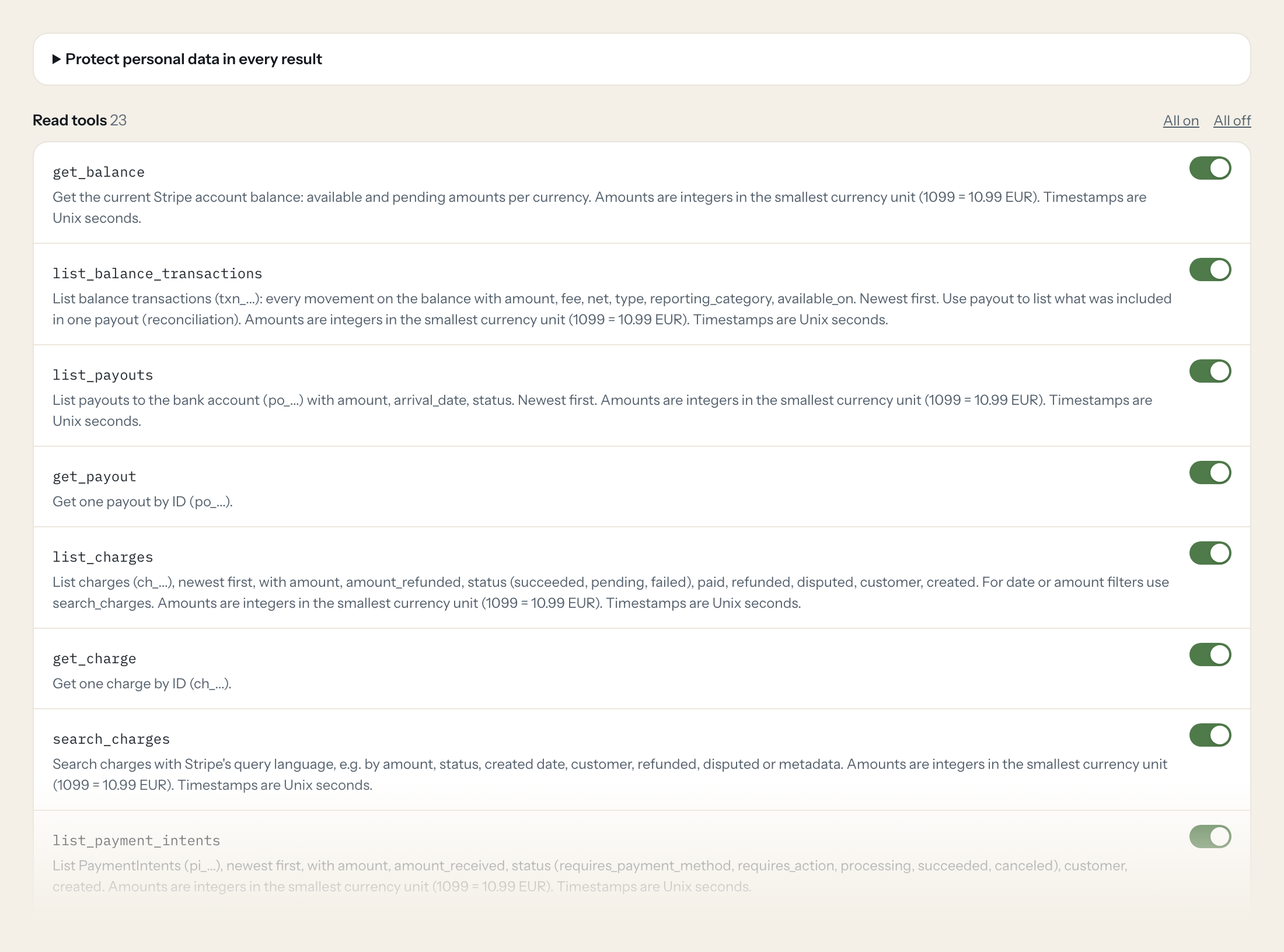
The connector is read-only: 23 tools for the balance and balance transactions, payouts, charges, payment intents, customers, invoices, subscriptions, refunds, disputes, products and prices, each with a search variant where Stripe offers one. There are no write tools.
- Finance
“Which balance transactions were included in payout po_3Qx7Lk and what was the total fee?”
Answered by
list_balance_transactions - Management
“How much is available and pending on the balance right now, per currency?”
Answered by
get_balance - Finance
“List open invoices above 500 euros with number, customer and due date.”
Answered by
search_invoices - Support
“Did the payment of customer cus_R2kFm9 on 12 October fail, and why?”
Answered by
search_payment_intents - Management
“How many subscriptions were cancelled in September, and what monthly amount did they carry?”
Answered by
search_subscriptions - Finance
“Which disputes still need a response and when is the evidence due?”
Answered by
list_disputes
What the Stripe connector can do.
| Tool | What it does | Access | Default |
|---|---|---|---|
| get_balance | Get the current Stripe account balance: available and pending amounts per currency. Amounts are integers in the smallest currency unit (1099 = 10.99 EUR). | Read | On |
| list_balance_transactions | List balance transactions (txn_...): every movement on the balance with amount, fee, net, type, reporting_category, available_on. Newest first. | Read | On |
| list_payouts | List payouts to the bank account (po_...) with amount, arrival_date, status. Newest first. | Read | On |
| get_payout | Get one payout by ID (po_...). | Read | On |
| list_charges | List charges (ch_...), newest first, with amount, amount_refunded, status (succeeded, pending, failed), paid, refunded, disputed, customer, created. For date or amount filters u… | Read | On |
| get_charge | Get one charge by ID (ch_...). | Read | On |
| search_charges | Search charges with Stripe's query language, e.g. by amount, status, created date, customer, refunded, disputed or metadata. | Read | On |
| list_payment_intents | List PaymentIntents (pi_...), newest first, with amount, amount_received, status (requires_payment_method, requires_action, processing, succeeded, canceled), customer, created.… | Read | On |
| get_payment_intent | Get one PaymentIntent by ID (pi_...). | Read | On |
| search_payment_intents | Search PaymentIntents, e.g. failed or incomplete payments in a period. | Read | On |
| list_customers | List customers (cus_...), newest first, with name, email, balance, delinquent. Use email for an exact, case-sensitive match or search_customers for partial names. | Read | On |
| get_customer | Get one customer by ID (cus_...). | Read | On |
| search_customers | Search customers by name, email (substring), phone, created or metadata. | Read | On |
| list_invoices | List invoices (in_...), newest first, with number, status, amount_due, amount_paid, amount_remaining, due_date, customer, hosted_invoice_url. Open invoices = unpaid. | Read | On |
| get_invoice | Get one invoice by ID (in_...), including line items (first page) and status transitions. | Read | On |
| search_invoices | Search invoices, e.g. open invoices above an amount, by number or customer. | Read | On |
| list_subscriptions | List subscriptions (sub_...) with status, customer, items/prices, current period, cancel_at_period_end. By default canceled ones are excluded. | Read | On |
| get_subscription | Get one subscription by ID (sub_...). | Read | On |
| search_subscriptions | Search subscriptions, e.g. canceled in a period (churn). | Read | On |
| list_refunds | List refunds (re_...), newest first, with amount, status, reason, charge, payment_intent. Amounts are integers in the smallest currency unit (1099 = 10.99 EUR). | Read | On |
| list_disputes | List disputes/chargebacks (du_...) with amount, reason, status (e.g. warning_needs_response, needs_response, under_review, won, lost) and evidence_details.due_by. | Read | On |
| list_products | List products (prod_...) with name, description, active, default_price. | Read | On |
| list_prices | List prices (price_...) with unit_amount, currency, type (one_time or recurring), recurring.interval, product. By default only active prices. | Read | On |
Write tools are off for every role until you switch them on, one tool for one role. The names are what the model sees; it also gets the full parameter description of each tool.
Getting the Stripe token.
Five minutes, once. Nobody on your team ever sees it.
- 1
Open dashboard.stripe.com > Developers > API keys and click 'Create restricted key'.
- 2
Name it e.g. 'Loopthink read-only' and set Read for the resources below, None for everything else.
- 3
Click 'Create key', confirm the two-factor check and copy the rk_live_... value (shown only once).
- 4
Paste it into Loopthink. Do not use the unrestricted secret key (sk_live_...).
- 5
In Loopthink, add Stripe from the catalog and paste the token. Your team sees the tools a minute later.
Restricted keys belong to the account, not a user. Live and test mode have separate keys. Stripe write endpoints are form-encoded, so this template is read only.
What we suggest masking in Stripe.
Every charge and customer carries a person: name, email, phone, billing and shipping address, receipt email, the card's last four digits and fingerprint, and whatever your code put into metadata. The suggested fields mask all of that and keep amounts, currencies, statuses, dates, invoice numbers and object ids, so Support can confirm that payment pi_3R1aQx failed with a declined card without seeing the cardholder's address.
- name
- phone
- address
- shipping
- billing_details
- customer_email
- customer_name
- customer_phone
- customer_address
- receipt_email
- payment_method_details.card.last4
- fingerprint
- metadata
What Stripe's own MCP server does not give you.
- One login per person in any MCP client: the Loopthink audit shows who asked, not one shared API key.
- Tools per role: Support sees payment status, only Finance reads the balance and payouts.
- Masking of names, emails, addresses and card details in charge and customer objects before the answer leaves the EU.
- Write tools off by default, switchable per tool and role.
- The same server in Claude, ChatGPT and Langdock, governed once.
Stripe and Loopthink
- Restricted key or the secret key?
- A restricted key with Read on Balance, Balance transactions, Payouts, Charges and Refunds, PaymentIntents, Customers, Disputes, Invoices, Subscriptions, Products and Prices, and None on everything else. Never paste the unrestricted sk_live key. The key belongs to the account, not to a user, so it survives staff changes.
- Can the AI refund a charge or change a subscription?
- No. Stripe's write endpoints are form-encoded and this connector is read-only, so there is no tool that creates, updates or refunds anything. With a Read-only restricted key the account itself refuses writes as well.
- What about test mode?
- Live and test mode have separate keys. A test key only reaches test data and the other way round, so set up a second connector if a role should query test mode.
- Does every team member need their own Stripe account?
- No. Loopthink holds one key or token for Stripe. Your people sign in to Loopthink with their own identity, and every call to Stripe is logged under their name. Seats in Stripe stay where they are today.
- Where does the Stripe key live?
- In Loopthink, encrypted, in the EU. It never reaches the AI client and never reaches the people using the connector. Rotate it in Stripe whenever you like and paste the new one once.
- Can somebody write to Stripe from the chat?
- Not unless you switch it on. Write actions are a separate row in the permission matrix and are off for every role by default. If a role needs one write tool, you grant that one tool to that one role.
- What does the model see?
- The result of the tool call, after masking. Fields you mark as personal, such as emails, names or card details, are masked before the answer travels to the AI client. The model gets the numbers, not the people.
- What does it cost?
- Free for one person and two connectors, no card. Pro is €19 a month for up to five people and every connector on the site, with roles, field masking and a 30-day audit. Team is €49 for ten people and adds your own REST APIs and SQL databases, your own domain and your own identity provider. No call needed.
Stuck, or a tool you need is missing? A person who knows this connector answers within one working day.


