 Payments connector
SumUp in Claude, ChatGPT and any MCP client. For your whole team.
Transactions, payouts, receipts, terminals, online checkouts. One token in Loopthink, one login per person, roles per tool and an audit entry for every call.
Free for 2 connectors, no card · Pro €19 · EU-hosted · 13 read tools, 1 write tools off by default
“Total card revenue per day for last week, split by card type.”
Card revenue per day, last week, by card type:
| Day | Visa | Mastercard | Total |
|---|---|---|---|
| Thu 15 Oct 2026 | 842.30 € | 611.90 € | 1,454.20 € |
| Fri 16 Oct 2026 | 1,106.75 € | 798.40 € | 1,905.15 € |
| Sat 17 Oct 2026 | 1,532.10 € | 1,088.60 € | 2,620.70 € |
- read-only
- logged
One token in, the tools come out.
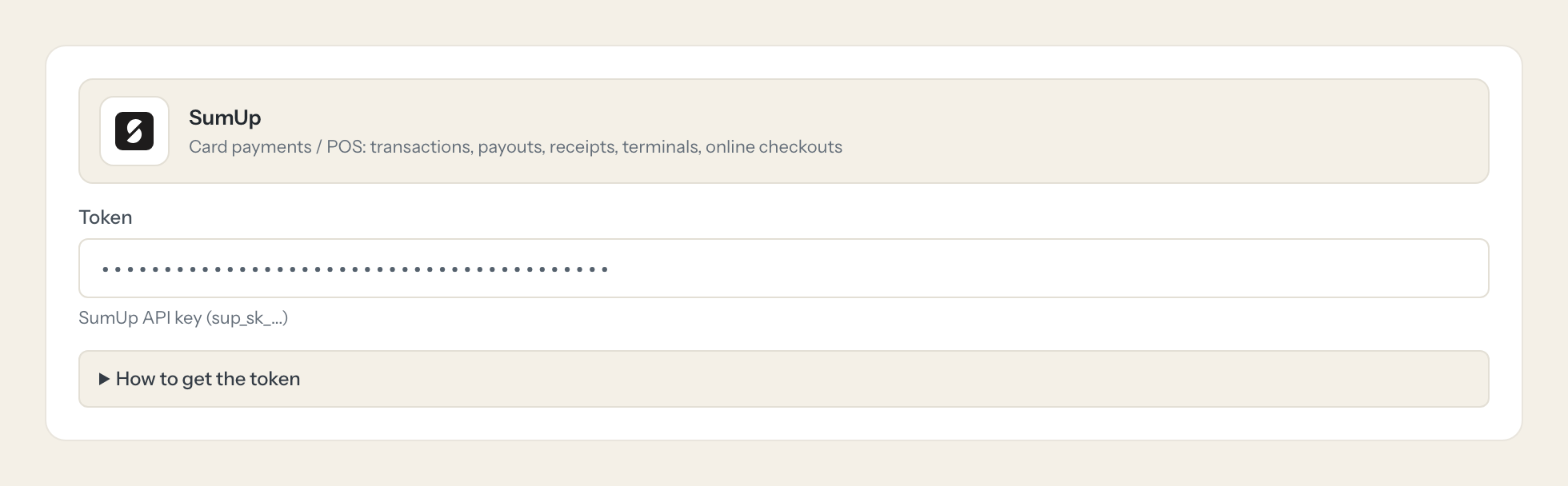
SumUp is where card payments at the counter land: every transaction with its receipt, the payouts to the bank account, the terminals in each shop, online checkouts and the team members who take payments. The questions are everyday ones, "what did we take on Saturday", "is the reader in the second shop online", but today they take a login into the merchant dashboard and a date range someone has to click through.
With the SumUp connector, Finance, Store Management and Operations ask in Claude or ChatGPT and get the answer from the live merchant account. Loopthink holds one API key, every person signs in with their own identity, and every call is logged under their name. The key never reaches the AI client.
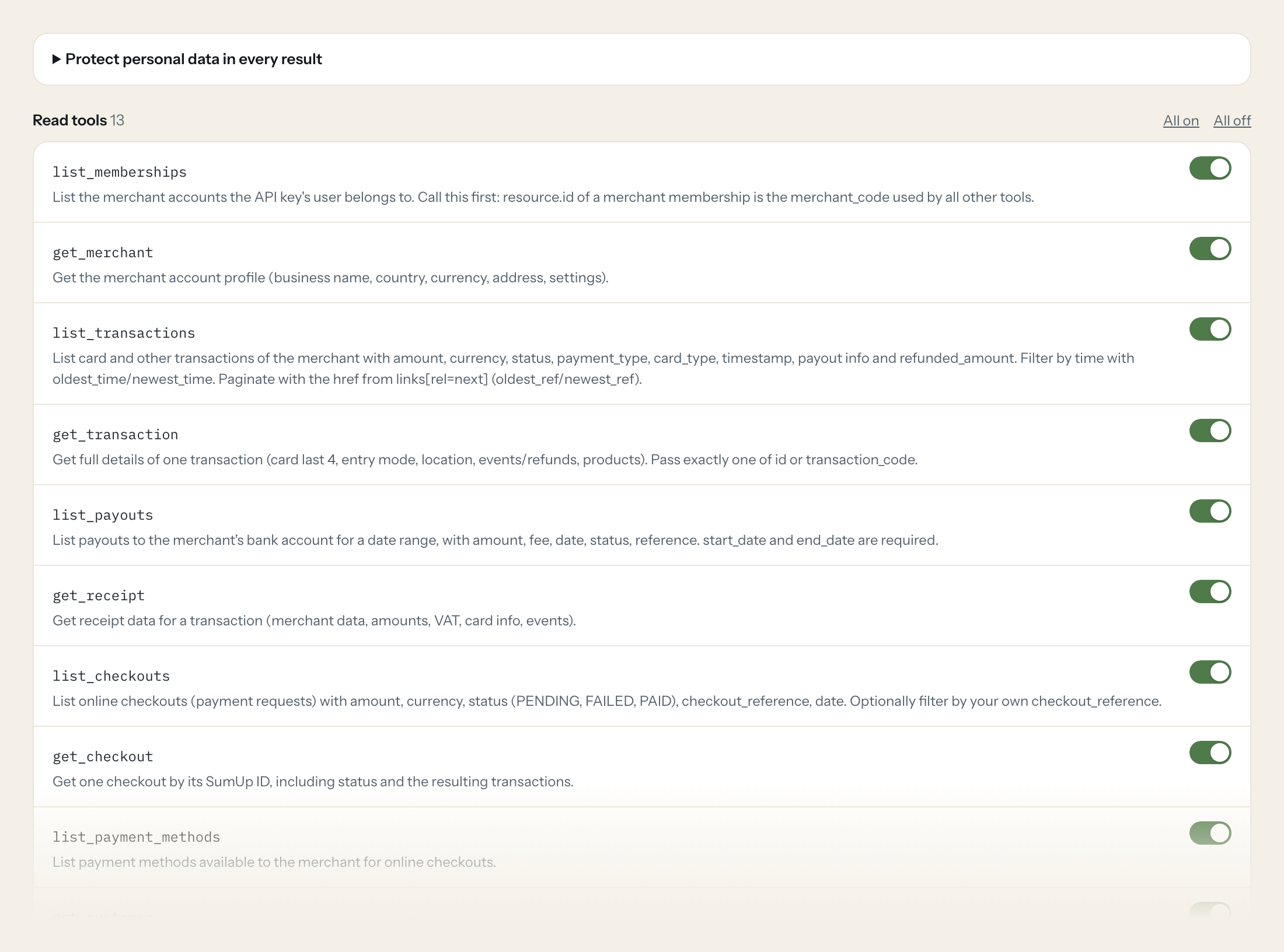
Thirteen read tools cover memberships and the merchant profile, transactions and receipts, payouts, online checkouts and payment methods, saved customers, readers with their live status and team members. The one write tool, creating an online checkout, stays off until you switch it on for a role.
- Store Management
“Total card revenue per day for last week, split by card type.”
Answered by
list_transactions - Finance
“Which payouts arrived in September and what fees were deducted in total?”
Answered by
list_payouts - Finance
“Show me the receipt for transaction TXN4F7K2P with the VAT breakdown.”
Answered by
get_receipt - Operations
“Are all our readers online right now, and which one has a battery below 20 percent?”
Answered by
get_reader_status - Finance
“Which online checkouts from this month are still pending or failed?”
Answered by
list_checkouts - Store Management
“Create a checkout for 149.00 EUR with reference ORDER-2026-1187 so I can send the customer the payment link.”
Answered by
create_checkout
What the SumUp connector can do.
| Tool | What it does | Access | Default |
|---|---|---|---|
| list_memberships | List the merchant accounts the API key's user belongs to. Call this first: resource.id of a merchant membership is the merchant_code used by all other tools. | Read | On |
| get_merchant | Get the merchant account profile (business name, country, currency, address, settings). | Read | On |
| list_transactions | List card and other transactions of the merchant with amount, currency, status, payment_type, card_type, timestamp, payout info and refunded_amount. Filter by time with oldest_t… | Read | On |
| get_transaction | Get full details of one transaction (card last 4, entry mode, location, events/refunds, products). Pass exactly one of id or transaction_code. | Read | On |
| list_payouts | List payouts to the merchant's bank account for a date range, with amount, fee, date, status, reference. start_date and end_date are required. | Read | On |
| get_receipt | Get receipt data for a transaction (merchant data, amounts, VAT, card info, events). | Read | On |
| list_checkouts | List online checkouts (payment requests) with amount, currency, status (PENDING, FAILED, PAID), checkout_reference, date. Optionally filter by your own checkout_reference. | Read | On |
| get_checkout | Get one checkout by its SumUp ID, including status and the resulting transactions. | Read | On |
| list_payment_methods | List payment methods available to the merchant for online checkouts. | Read | On |
| get_customer | Get a saved customer (for recurring/tokenized payments) by your customer_id, with personal details. | Read | On |
| list_readers | List card terminals (readers) paired to the merchant, with name, status and device info. | Read | On |
| get_reader_status | Get live status of one reader (online/offline, battery, connection). | Read | On |
| list_members | List team members (employees) with access to the merchant account, with roles and status. | Read | On |
| create_checkout | WRITE: Creates a new online checkout (payment request) for the merchant. No money moves until the payer completes it. | Write | Off |
Write tools are off for every role until you switch them on, one tool for one role. The names are what the model sees; it also gets the full parameter description of each tool.
Getting the SumUp token.
Five minutes, once. Nobody on your team ever sees it.
- 1
Log in to me.sumup.com, open your profile menu and go to Settings.
- 2
Open For Developers > Toolkit > API Keys and click Create.
- 3
Name the key e.g. 'Loopthink' and copy or download it (SumUp does not show it again).
- 4
Paste it into Loopthink.
- 5
In Loopthink, add SumUp from the catalog and paste the token. Your team sees the tools a minute later.
API keys have the full permission set of the merchant account; there are no read-only API keys. Scoped access (transactions.history, payouts.read, receipts.read, checkouts.read, readers.read, members.read, user.profile_readonly) only exists for OAuth apps. Rely on Loopthink's readOnly tools and keep the write tool disabled if not needed.
What we suggest masking in SumUp.
Receipts and transactions carry the cardholder's last four digits, saved customers carry names, email, phone, address and birth date, the merchant profile carries the IBAN and the shop location, and team members come with their personal details. The suggested fields mask all of that and keep amounts, currencies, statuses, payment types, timestamps and reader states, so Finance can reconcile Saturday's 2,340 euros without seeing a single card number.
- user
- card.last_4_digits
- iban
- elv_account
- location
- lat
- lon
- personal_details
- first_name
- last_name
- phone
- address
- birth_date
SumUp and Loopthink
- Is there a read-only API key?
- No. A SumUp API key carries the full permission set of the merchant account. Scoped access such as transactions.history or payouts.read only exists for OAuth apps. The connector limits what the AI can do by exposing read tools only, with the one write tool off until you enable it for a role.
- Can the AI move money?
- The only write tool, create_checkout, creates a payment request. No money moves until the payer completes it. There is no tool for refunds, payouts or transfers.
- Which merchant does the key see?
- The merchant accounts the key's user belongs to. The AI calls list_memberships first and uses the merchant code from there for every other tool. SumUp shows the key only once when you create it, so copy or download it at that moment.
- Does every team member need their own SumUp account?
- No. Loopthink holds one key or token for SumUp. Your people sign in to Loopthink with their own identity, and every call to SumUp is logged under their name. Seats in SumUp stay where they are today.
- Where does the SumUp key live?
- In Loopthink, encrypted, in the EU. It never reaches the AI client and never reaches the people using the connector. Rotate it in SumUp whenever you like and paste the new one once.
- Can somebody write to SumUp from the chat?
- Not unless you switch it on. Write actions are a separate row in the permission matrix and are off for every role by default. If a role needs one write tool, you grant that one tool to that one role.
- What does the model see?
- The result of the tool call, after masking. Fields you mark as personal, such as emails, names or card details, are masked before the answer travels to the AI client. The model gets the numbers, not the people.
- What does it cost?
- Free for one person and two connectors, no card. Pro is €19 a month for up to five people and every connector on the site, with roles, field masking and a 30-day audit. Team is €49 for ten people and adds your own REST APIs and SQL databases, your own domain and your own identity provider. No call needed.
Stuck, or a tool you need is missing? A person who knows this connector answers within one working day.


