Lexware Office in Claude, ChatGPT and any MCP client. For your whole team.
Invoices, quotes, vouchers, contacts, payments (formerly lexoffice). One token in Loopthink, one login per person, roles per tool and an audit entry for every call.
Free for 2 connectors, no card · Pro €19 · EU-hosted · 20 read tools, 1 write tools off by default
“Which sales invoices are open and past their due date, with the open amount per customer?”
Three overdue invoices as of 21 October:
| Customer | Invoice | Due | Open |
|---|---|---|---|
| Nordwind Handel | RE-2026-0412 | 30 Sep 2026 | 4,280.00 € |
| Alpen Logistik | RE-2026-0437 | 7 Oct 2026 | 1,960.50 € |
| Kraus & Partner | RE-2026-0441 | 14 Oct 2026 | 12,350.00 € |
- read-only
- logged
One token in, the tools come out.
Lexware Office, formerly lexoffice, is the bookkeeping of a lot of German small companies: sales invoices, quotations, order confirmations, delivery notes, dunning letters and the purchase receipts behind them. The questions are everyday ones, "which invoices are still open", "did we ever send a reminder to that customer", and today they need whoever has the login.
With the Lexware Office connector, Finance, Sales and Management ask them in Claude or ChatGPT and get the answer from the live books. Loopthink holds one API key, every person signs in with their own identity, and every call is logged under their name. The key never reaches the AI client.
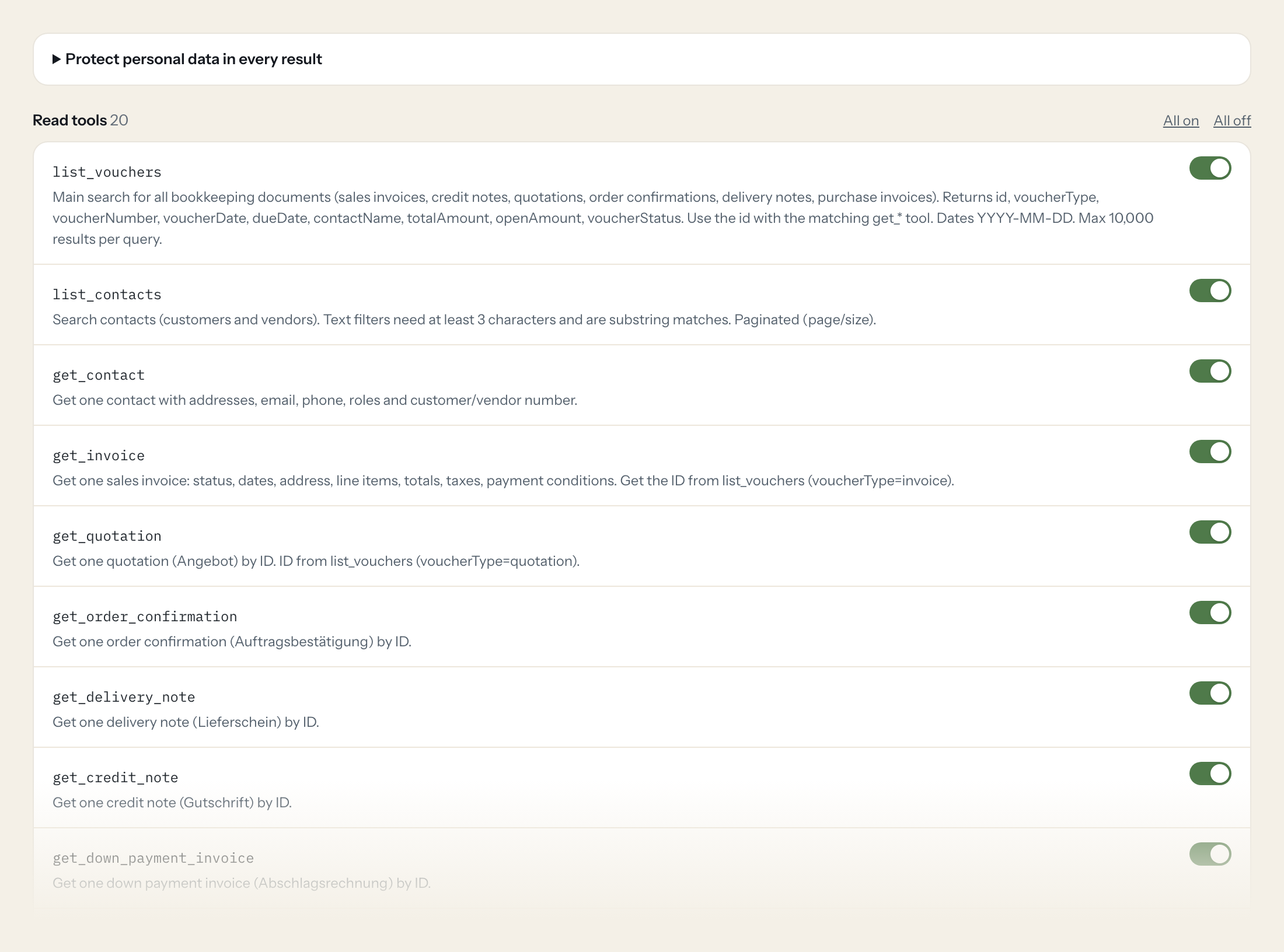
Twenty read tools cover vouchers, contacts, invoices, quotations, payments, articles and recurring templates. The one write tool, creating a customer, stays off until you switch it on for a role.
- Finance
“Which sales invoices are open and past their due date, with the open amount per customer?”
Answered by
list_vouchers - Finance
“Is invoice RE-2026-0412 paid, and if so, when and how?”
Answered by
get_payments - Sales
“Which quotations from the last quarter never became an order confirmation?”
Answered by
list_vouchers - Management
“Total sales invoices per month this year, net and gross.”
Answered by
list_vouchers - Finance
“Show me the purchase receipts booked to the category "Software" since January.”
Answered by
list_vouchers - Sales
“What payment conditions and customer number does Müller & Söhne GmbH have?”
Answered by
get_contact
What the Lexware Office connector can do.
| Tool | What it does | Access | Default |
|---|---|---|---|
| list_vouchers | Main search for all bookkeeping documents (sales invoices, credit notes, quotations, order confirmations, delivery notes, purchase invoices). Returns id, voucherType, voucherNum… | Read | On |
| list_contacts | Search contacts (customers and vendors). Text filters need at least 3 characters and are substring matches. | Read | On |
| get_contact | Get one contact with addresses, email, phone, roles and customer/vendor number. | Read | On |
| get_invoice | Get one sales invoice: status, dates, address, line items, totals, taxes, payment conditions. Get the ID from list_vouchers (voucherType=invoice). | Read | On |
| get_quotation | Get one quotation (Angebot) by ID. ID from list_vouchers (voucherType=quotation). | Read | On |
| get_order_confirmation | Get one order confirmation (Auftragsbestätigung) by ID. | Read | On |
| get_delivery_note | Get one delivery note (Lieferschein) by ID. | Read | On |
| get_credit_note | Get one credit note (Gutschrift) by ID. | Read | On |
| get_down_payment_invoice | Get one down payment invoice (Abschlagsrechnung) by ID. | Read | On |
| get_dunning | Get one dunning (Mahnung) by ID. | Read | On |
| get_payments | Get payment information of a voucher: open amount, payment status, paid date and payment items. Works for invoices, credit notes and bookkeeping vouchers. | Read | On |
| get_bookkeeping_voucher | Get one bookkeeping voucher (Beleg, e.g. purchase invoice) with its items and category. | Read | On |
| find_bookkeeping_voucher_by_number | Find bookkeeping vouchers (Belege) by their voucher number. | Read | On |
| list_recurring_templates | List recurring invoice templates (Wiederkehrende Rechnungen). Paginated. | Read | On |
| get_recurring_template | Get one recurring invoice template by ID. | Read | On |
| list_articles | Search articles (products and services) by number, GTIN or type. Paginated. | Read | On |
| get_article | Get one article with prices. | Read | On |
| list_payment_conditions | List configured payment conditions (Zahlungsbedingungen). | Read | On |
| list_posting_categories | List posting categories (Buchungskategorien) used for bookkeeping vouchers. | Read | On |
| get_profile | Get the company profile of the connected Lexware Office account (company name, organization id, tax type, small business flag). | Read | On |
| create_customer | WRITE: creates a new company contact with the customer role. Does not change existing data. | Write | Off |
Write tools are off for every role until you switch them on, one tool for one role. The names are what the model sees; it also gets the full parameter description of each tool.
Getting the Lexware Office token.
Five minutes, once. Nobody on your team ever sees it.
- 1
Log in to Lexware Office as the user the integration should act as.
- 2
Open https://app.lexware.de/addons/public-api.
- 3
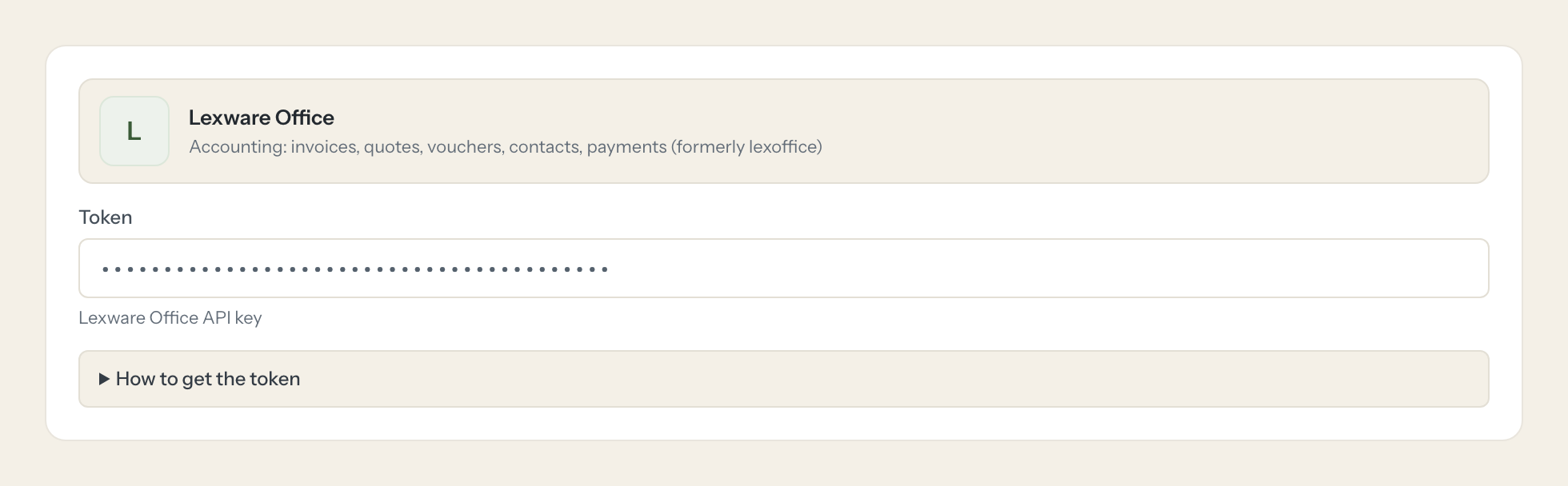
Generate a new API key and copy it (it is shown only once).
- 4
In Loopthink, add Lexware Office from the catalog and paste the token. Your team sees the tools a minute later.
The key has full rights of the generating user, no scopes. Public API requires a paid Lexware Office plan. Rate limit: 2 requests per second.
What we suggest masking in Lexware Office.
Lexware Office holds the people behind the invoices: contact persons, email addresses, phone numbers, IBANs, tax numbers and VAT ids. The suggested fields keep what a bookkeeping question needs, amounts, dates, statuses and voucher numbers, and mask the rest, so a Management role sees that a customer is 40 days late without seeing the customer's bank details.
- emailAddresses
- phoneNumbers
- contactPersons
- firstName
- lastName
- street
- iban
- taxNumber
- vatRegistrationId
- contactName
- address.name
Lexware Office and Loopthink
- Which Lexware Office plan is needed?
- The public API is part of the paid Lexware Office plans. Check the plan comparison on the Lexware site before you create a key; on a plan without API access the connection test fails.
- The key has no scopes. How do we limit it?
- The key carries every right of the user who created it, so create it as a dedicated user with the smallest role that still sees the vouchers you want to ask about. On the Loopthink side only read tools are on by default; create_customer stays off until you enable it for a role.
- Lexware Office allows two requests per second. Is that enough?
- For questions from a team, yes. One question usually means one to three calls. The connector respects the limit and a question that needs more pages takes a moment longer instead of failing.
- Does every team member need their own Lexware Office account?
- No. Loopthink holds one key or token for Lexware Office. Your people sign in to Loopthink with their own identity, and every call to Lexware Office is logged under their name. Seats in Lexware Office stay where they are today.
- Where does the Lexware Office key live?
- In Loopthink, encrypted, in the EU. It never reaches the AI client and never reaches the people using the connector. Rotate it in Lexware Office whenever you like and paste the new one once.
- Can somebody write to Lexware Office from the chat?
- Not unless you switch it on. Write actions are a separate row in the permission matrix and are off for every role by default. If a role needs one write tool, you grant that one tool to that one role.
- What does the model see?
- The result of the tool call, after masking. Fields you mark as personal, such as emails, names or card details, are masked before the answer travels to the AI client. The model gets the numbers, not the people.
- What does it cost?
- Free for one person and two connectors, no card. Pro is €19 a month for up to five people and every connector on the site, with roles, field masking and a 30-day audit. Team is €49 for ten people and adds your own REST APIs and SQL databases, your own domain and your own identity provider. No call needed.
Stuck, or a tool you need is missing? A person who knows this connector answers within one working day.


