 Email marketing connector
Brevo in Claude, ChatGPT and any MCP client. For your whole team.
Contacts, lists, campaigns, deals, tasks. One token in Loopthink, one login per person, roles per tool and an audit entry for every call.
Free for 2 connectors, no card · Pro €19 · EU-hosted · 21 read tools, 4 write tools off by default
“Did anna.meier@example.de receive our order confirmation on 14 October, and was it opened?”
Yes, delivered and opened. Events for that message:
| Event | Time | Detail |
|---|---|---|
| Delivered | 14 Oct 2026 09:12 | example.de MX |
| Opened | 14 Oct 2026 09:41 | iOS Mail |
| Clicked | 14 Oct 2026 09:42 | Track shipment |
- read-only
- masked
One token in, the tools come out.
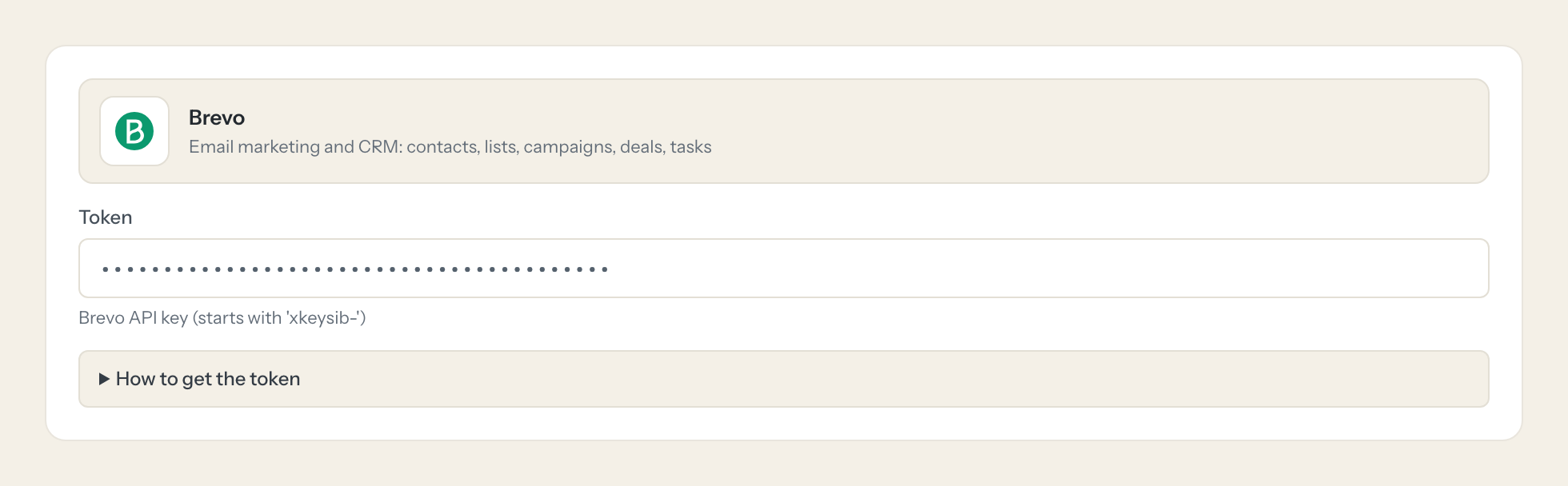
Brevo is where marketing email and a light CRM live side by side: contacts in lists and segments, campaigns with their opens and clicks, transactional mail with its delivery log, deals in pipelines and the tasks and notes behind them. The questions are everyday ones, "did the customer actually get the password reset", "how did last month's newsletter do", but today they mean a login, the right report tab and a date picker.
With the Brevo connector, Marketing, Sales and Support ask in Claude or ChatGPT and get the answer from the live account. Loopthink holds one Brevo API key, every person signs in with their own identity, and every call is logged under their name. The key never reaches the AI client.
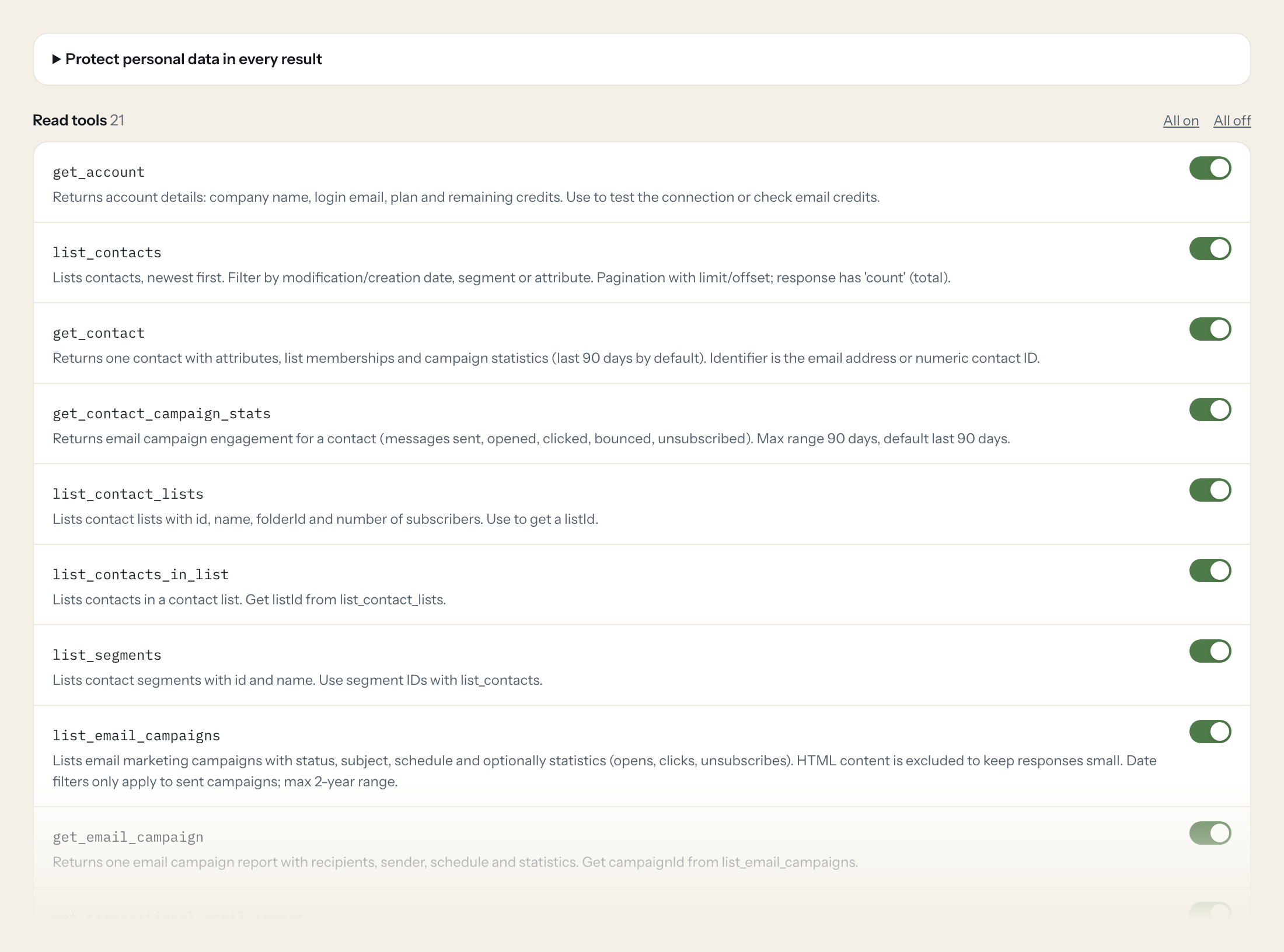
Twenty-one read tools cover the account, contacts, lists and segments, email campaigns and their statistics, transactional reports and events, templates, senders, CRM pipelines, deals, companies, tasks and notes. The four write tools, creating or updating a contact and creating a CRM note or task, stay off until you switch them on for a role.
- Support
“Did anna.meier@example.de receive our order confirmation on 14 October, and was it opened?”
Answered by
list_transactional_email_events - Marketing
“Open and click rates of all campaigns sent in September, sorted by click rate.”
Answered by
list_email_campaigns - Marketing
“How many subscribers does the 'Webinar 2026' list have compared with 'Newsletter DE'?”
Answered by
list_contact_lists - Sales
“Which deals in the Enterprise pipeline are past their close date and still open?”
Answered by
list_deals - Management
“Delivered, bounced and spam-reported transactional emails in the last 30 days.”
Answered by
get_transactional_email_report - Sales
“Add a follow-up call task for the Müller & Söhne deal due next Tuesday.”
Answered by
create_crm_task
What the Brevo connector can do.
| Tool | What it does | Access | Default |
|---|---|---|---|
| get_account | Returns account details: company name, login email, plan and remaining credits. Use to test the connection or check email credits. | Read | On |
| list_contacts | Lists contacts, newest first. Filter by modification/creation date, segment or attribute. | Read | On |
| get_contact | Returns one contact with attributes, list memberships and campaign statistics (last 90 days by default). Identifier is the email address or numeric contact ID. | Read | On |
| get_contact_campaign_stats | Returns email campaign engagement for a contact (messages sent, opened, clicked, bounced, unsubscribed). Max range 90 days, default last 90 days. | Read | On |
| list_contact_lists | Lists contact lists with id, name, folderId and number of subscribers. Use to get a listId. | Read | On |
| list_contacts_in_list | Lists contacts in a contact list. Get listId from list_contact_lists. | Read | On |
| list_segments | Lists contact segments with id and name. Use segment IDs with list_contacts. | Read | On |
| list_email_campaigns | Lists email marketing campaigns with status, subject, schedule and optionally statistics (opens, clicks, unsubscribes). HTML content is excluded to keep responses small. | Read | On |
| get_email_campaign | Returns one email campaign report with recipients, sender, schedule and statistics. Get campaignId from list_email_campaigns. | Read | On |
| get_transactional_email_report | Returns aggregated transactional email stats for a period (requests, delivered, opens, clicks, bounces, spam reports, unsubscribes). Use either days or startDate+endDate (max 90… | Read | On |
| list_transactional_email_events | Lists individual transactional email events (delivered, opened, clicked, bounces, blocked, spam, unsubscribed, etc.) to answer 'did customer X get our email'. Default last 30 da… | Read | On |
| list_email_templates | Lists transactional email templates with id, name, subject, sender and status. | Read | On |
| list_senders | Lists configured sender identities (name, email, active status). | Read | On |
| list_crm_pipelines | Lists all CRM deal pipelines with their stages (id, name). Call before list_deals to understand stage IDs. | Read | On |
| list_deals | Lists CRM deals with attributes (deal_name, amount, deal_stage, pipeline, deal_owner, close date) and linked contacts/companies. Map deal_stage IDs via list_crm_pipelines. | Read | On |
| get_deal | Returns one CRM deal with all attributes and linked contact/company IDs. | Read | On |
| list_companies | Lists CRM companies with attributes and linked contacts/deals. Pagination uses page and limit. | Read | On |
| get_company | Returns one CRM company with attributes and linked contacts/deals. | Read | On |
| list_crm_tasks | Lists CRM tasks (name, type, due date, done, assignee, linked contacts/deals/companies). Date range uses Unix timestamps in milliseconds. | Read | On |
| list_crm_task_types | Lists CRM task types (id, title such as Call, Email, Meeting). Needed for taskTypeId in create_crm_task. | Read | On |
| list_crm_notes | Lists CRM notes, optionally for one entity type and IDs. Date range uses Unix timestamps in milliseconds. | Read | On |
| create_contact | WRITE: Creates a new contact. Fails if the email already exists (no update). | Write | Off |
| update_contact | WRITE: Updates a contact's attributes and list memberships. Does not change blocklist status. | Write | Off |
| create_crm_note | WRITE: Creates a CRM note linked to contacts, deals and/or companies. | Write | Off |
| create_crm_task | WRITE: Creates a CRM task (e.g. follow-up call). | Write | Off |
Write tools are off for every role until you switch them on, one tool for one role. The names are what the model sees; it also gets the full parameter description of each tool.
Getting the Brevo token.
Five minutes, once. Nobody on your team ever sees it.
- 1
Log in to Brevo and open SMTP & API settings (app.brevo.com/settings/keys/api).
- 2
On the 'API keys' tab click 'Generate a new API key' and give it a name like 'Loopthink'.
- 3
Click Generate and copy the key immediately (shown only once).
- 4
If 'Authorized IPs' is enabled under Security, add the Loopthink egress IPs.
- 5
In Loopthink, add Brevo from the catalog and paste the token. Your team sees the tools a minute later.
Brevo API keys are account-wide and have no read-only scope: the key can read and write everything. Limit risk with Loopthink tool policies. Keys belong to the account, not to a user.
What we suggest masking in Brevo.
Every Brevo contact is a person: email, first and last name, SMS and WhatsApp numbers, landline, IP address, any custom attribute you collect. The suggested fields mask those and keep list memberships, campaign statistics, deal amounts, stages and dates, which is what a marketing or pipeline question needs. Marketing sees that 2,314 contacts opened the October newsletter without a single phone number in the answer.
- attributes.FIRSTNAME
- attributes.LASTNAME
- attributes.SMS
- attributes.WHATSAPP
- attributes.LANDLINE_NUMBER
- attributes
- ip
- phone
- address
Brevo and Loopthink
- Can we create a read-only API key in Brevo?
- No. Brevo API keys are account-wide and can read and write everything; they belong to the account, not to a user. The connector exposes only read tools by default, and the four write tools are off until you enable them for a role. That policy, plus the per-call audit, is where you limit the key.
- We have 'Authorized IPs' switched on. Does the connector still work?
- Only once you add the Loopthink egress IPs under Security in the Brevo settings. Until then every call is refused, regardless of the key.
- How far back do the statistics go?
- Contact campaign statistics and transactional reports cover at most 90 days per request, transactional events default to the last 30 days with a 90-day maximum, and campaign date filters apply to sent campaigns within a two-year range. Ask for longer periods in slices.
- Does every team member need their own Brevo account?
- No. Loopthink holds one key or token for Brevo. Your people sign in to Loopthink with their own identity, and every call to Brevo is logged under their name. Seats in Brevo stay where they are today.
- Where does the Brevo key live?
- In Loopthink, encrypted, in the EU. It never reaches the AI client and never reaches the people using the connector. Rotate it in Brevo whenever you like and paste the new one once.
- Can somebody write to Brevo from the chat?
- Not unless you switch it on. Write actions are a separate row in the permission matrix and are off for every role by default. If a role needs one write tool, you grant that one tool to that one role.
- What does the model see?
- The result of the tool call, after masking. Fields you mark as personal, such as emails, names or card details, are masked before the answer travels to the AI client. The model gets the numbers, not the people.
- What does it cost?
- Free for one person and two connectors, no card. Pro is €19 a month for up to five people and every connector on the site, with roles, field masking and a 30-day audit. Team is €49 for ten people and adds your own REST APIs and SQL databases, your own domain and your own identity provider. No call needed.
Stuck, or a tool you need is missing? A person who knows this connector answers within one working day.


