 Scheduling connector
Calendly in Claude, ChatGPT and any MCP client. For your whole team.
Events, invitees, event types, available slots, routing forms. One token in Loopthink, one login per person, roles per tool and an audit entry for every call.
Free for 2 connectors, no card · Pro €19 · EU-hosted · 15 read tools, 2 write tools off by default
“Which demo calls are booked for the organization next week, with host and event type?”
Three demo calls are booked for next week:
| Invitee company | Host | Event type | When |
|---|---|---|---|
| Nordwind Handel | S. Keller | Product demo 45 min | Mon 26 Oct 10:00 |
| Alpen Logistik | M. Berger | Product demo 45 min | Tue 27 Oct 14:30 |
| Kraus & Partner | S. Keller | Technical deep dive | Thu 29 Oct 11:00 |
- read-only
- masked
One token in, the tools come out.
Calendly is where meetings get booked: event types such as the 30-minute intro call, the scheduled events that came out of them, the invitees with their answers to the booking questions, routing forms that qualify a lead before the slot is offered. The questions are small, "what demos are booked this week", "when does Jonas have a free slot on Thursday", but today they mean switching to Calendly, picking the right member and scrolling the list.
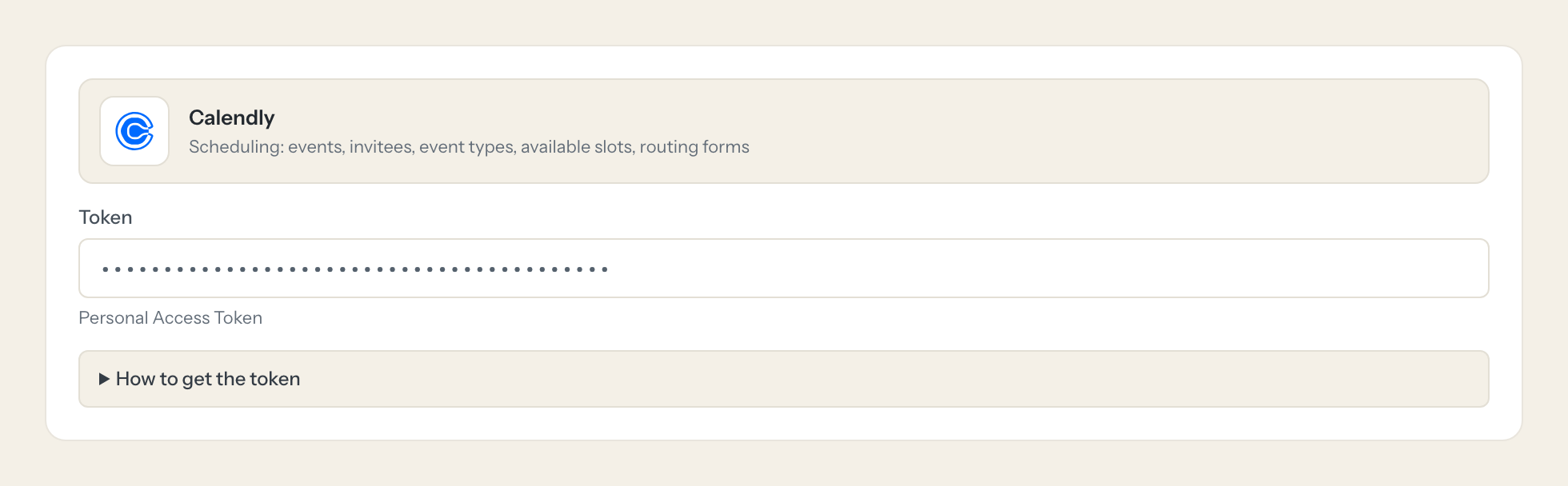
With the Calendly connector, Sales, Customer Success and Office Management ask in Claude or ChatGPT and get the answer from the live organization. Loopthink holds one personal access token, every person signs in with their own identity, and every call is logged under their name. The token never reaches the AI client.
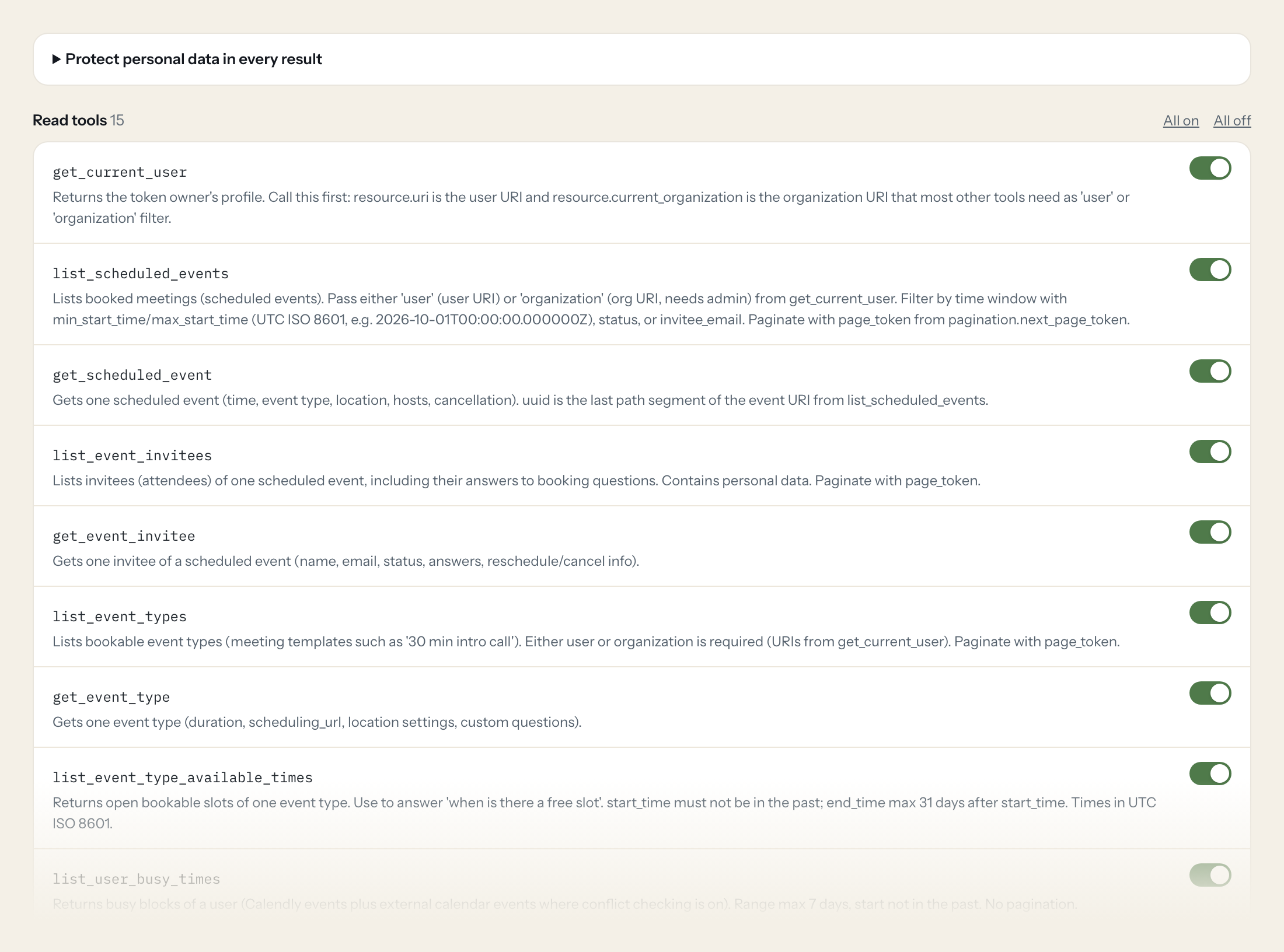
Fifteen read tools cover the token owner, scheduled events and their invitees, event types and their open slots, busy times and availability schedules, organization members, routing forms with submissions and contacts. The two write tools, cancelling an event and creating a single-use scheduling link, stay off until you switch them on for a role.
- Sales
“Which demo calls are booked for the organization next week, with host and event type?”
Answered by
list_scheduled_events - Sales
“When is the next free slot for the '30 min intro call' between Monday and Wednesday, in Berlin time?”
Answered by
list_event_type_available_times - Customer Success
“What did the invitees of yesterday's 14:00 onboarding call answer to the question about their current tool?”
Answered by
list_event_invitees - Office Management
“Is Jonas Weber busy tomorrow between 09:00 and 12:00?”
Answered by
list_user_busy_times - Marketing
“How many submissions did the 'Enterprise inquiry' routing form get in October, and how many booked a meeting?”
Answered by
list_routing_form_submissions - Sales
“Create a one-time booking link for the 'Technical deep dive' event type that I can send to Müller & Söhne.”
Answered by
create_single_use_scheduling_link
What the Calendly connector can do.
| Tool | What it does | Access | Default |
|---|---|---|---|
| get_current_user | Returns the token owner's profile. Call this first: resource.uri is the user URI and resource.current_organization is the organization URI that most other tools need as 'user' o… | Read | On |
| list_scheduled_events | Lists booked meetings (scheduled events). Pass either 'user' (user URI) or 'organization' (org URI, needs admin) from get_current_user. | Read | On |
| get_scheduled_event | Gets one scheduled event (time, event type, location, hosts, cancellation). uuid is the last path segment of the event URI from list_scheduled_events. | Read | On |
| list_event_invitees | Lists invitees (attendees) of one scheduled event, including their answers to booking questions. Contains personal data. | Read | On |
| get_event_invitee | Gets one invitee of a scheduled event (name, email, status, answers, reschedule/cancel info). | Read | On |
| list_event_types | Lists bookable event types (meeting templates such as '30 min intro call'). Either user or organization is required (URIs from get_current_user). | Read | On |
| get_event_type | Gets one event type (duration, scheduling_url, location settings, custom questions). | Read | On |
| list_event_type_available_times | Returns open bookable slots of one event type. Use to answer 'when is there a free slot'. | Read | On |
| list_user_busy_times | Returns busy blocks of a user (Calendly events plus external calendar events where conflict checking is on). Range max 7 days, start not in the past. | Read | On |
| list_user_availability_schedules | Lists the working-hours schedules (weekly rules, date overrides, timezone) of a user. | Read | On |
| list_organization_memberships | Lists members of the organization with role. Use to find a colleague's user URI by email. | Read | On |
| list_routing_forms | Lists routing forms (qualification forms before booking) of the organization. Paid team plans only. | Read | On |
| list_routing_form_submissions | Lists submissions of one routing form (answers, routing result, whether a meeting was booked). Contains personal data. | Read | On |
| get_routing_form_submission | Gets one routing form submission with all answers. | Read | On |
| list_contacts | Lists Calendly contacts (people you met with). Filters: email/phone_number/timezone/country/state exact match, name/company/job_title/city partial match; each accepts a comma-se… | Read | On |
| cancel_event | WRITE: Cancels a scheduled event. Calendly notifies the invitees. | Write | Off |
| create_single_use_scheduling_link | WRITE: Creates a one-time booking link for an event type (usable for exactly one booking). Returns resource.booking_url to send to a contact. | Write | Off |
Write tools are off for every role until you switch them on, one tool for one role. The names are what the model sees; it also gets the full parameter description of each tool.
Getting the Calendly token.
Five minutes, once. Nobody on your team ever sees it.
- 1
Log in to Calendly and open Integrations, then the 'API & Webhooks' tile.
- 2
Under Personal Access Tokens click 'Get a token now' (or 'Generate new token').
- 3
Enter a name (e.g. 'Loopthink'), select the scopes below, click 'Create Token'.
- 4
Copy the token immediately. Calendly does not show it again.
- 5
In Loopthink, add Calendly from the catalog and paste the token. Your team sees the tools a minute later.
The token acts as the user who created it. Organization-wide reads (organization filter, memberships, routing forms) need an org admin or owner. New PATs have no API access until scopes are selected.
What we suggest masking in Calendly.
Every booking is a person: the invitee's name and email, the text reminder number, the answers to booking questions, who cancelled and why, the phone numbers, emails and LinkedIn profile on a contact. The suggested fields mask those and keep event times, event types, hosts, statuses and slot availability, which is what a scheduling question needs. Office Management sees that Thursday 10:00 is taken without seeing the customer's mobile number.
- name
- first_name
- last_name
- text_reminder_number
- questions_and_answers
- cancellation.reason
- cancellation.canceled_by
- phone_numbers
- emails
- invitee_email
Calendly and Loopthink
- Which scopes does the token need?
- users:read, scheduled_events:read, event_types:read, availability:read, organizations:read, routing_forms:read and contacts:read for the read tools. Add scheduled_events:write only if a role should use cancel_event, and scheduling_links:write only for create_single_use_scheduling_link. A new token has no API access at all until scopes are selected.
- Why do we only see one person's meetings?
- The token acts as the user who created it. Organization-wide reads, the organization filter, memberships and routing forms, need a token from an org admin or owner. Create it with a dedicated admin user so the view covers the team.
- Can the AI cancel a meeting?
- Only if you switch cancel_event on for a role. Calendly then notifies the invitees and the cancellation cannot be undone, which is why the tool asks for confirmation first and why most teams leave it off.
- Does every team member need their own Calendly account?
- No. Loopthink holds one key or token for Calendly. Your people sign in to Loopthink with their own identity, and every call to Calendly is logged under their name. Seats in Calendly stay where they are today.
- Where does the Calendly key live?
- In Loopthink, encrypted, in the EU. It never reaches the AI client and never reaches the people using the connector. Rotate it in Calendly whenever you like and paste the new one once.
- Can somebody write to Calendly from the chat?
- Not unless you switch it on. Write actions are a separate row in the permission matrix and are off for every role by default. If a role needs one write tool, you grant that one tool to that one role.
- What does the model see?
- The result of the tool call, after masking. Fields you mark as personal, such as emails, names or card details, are masked before the answer travels to the AI client. The model gets the numbers, not the people.
- What does it cost?
- Free for one person and two connectors, no card. Pro is €19 a month for up to five people and every connector on the site, with roles, field masking and a 30-day audit. Team is €49 for ten people and adds your own REST APIs and SQL databases, your own domain and your own identity provider. No call needed.
Stuck, or a tool you need is missing? A person who knows this connector answers within one working day.


