 Time tracking connector
Clockify in Claude, ChatGPT and any MCP client. For your whole team.
Time entries, projects, tasks, clients, expenses, invoices. One token in Loopthink, one login per person, roles per tool and an audit entry for every call.
Free for 2 connectors, no card · Pro €19 · EU-hosted · 22 read tools, 3 write tools off by default
“How many hours did Anna Meier log on the Huber AG relaunch in October, billable and non-billable?”
62.5 hours in October, 54 of them billable:
| Task | Billable | Non-billable |
|---|---|---|
| Frontend build | 31.0 | 2.5 |
| Design review | 15.5 | 1.0 |
| Client calls | 7.5 | 5.0 |
- read-only
- logged
One token in, the tools come out.
Clockify is where hours become numbers: time entries per person and project, running timers, tasks, clients, expenses, approval requests, and on paid plans invoices and time-off balances. The questions are the same every month, "how many hours did we log on the Huber AG project in October", "whose timesheet is still waiting for approval", but today they take a report, a date range and an export.
With the Clockify connector, Project Management, Finance and Team Leads ask in Claude or ChatGPT and get the answer from the live workspace. Loopthink holds one Clockify API key, every person signs in with their own identity, and every call is logged under their name. The key never reaches the AI client.
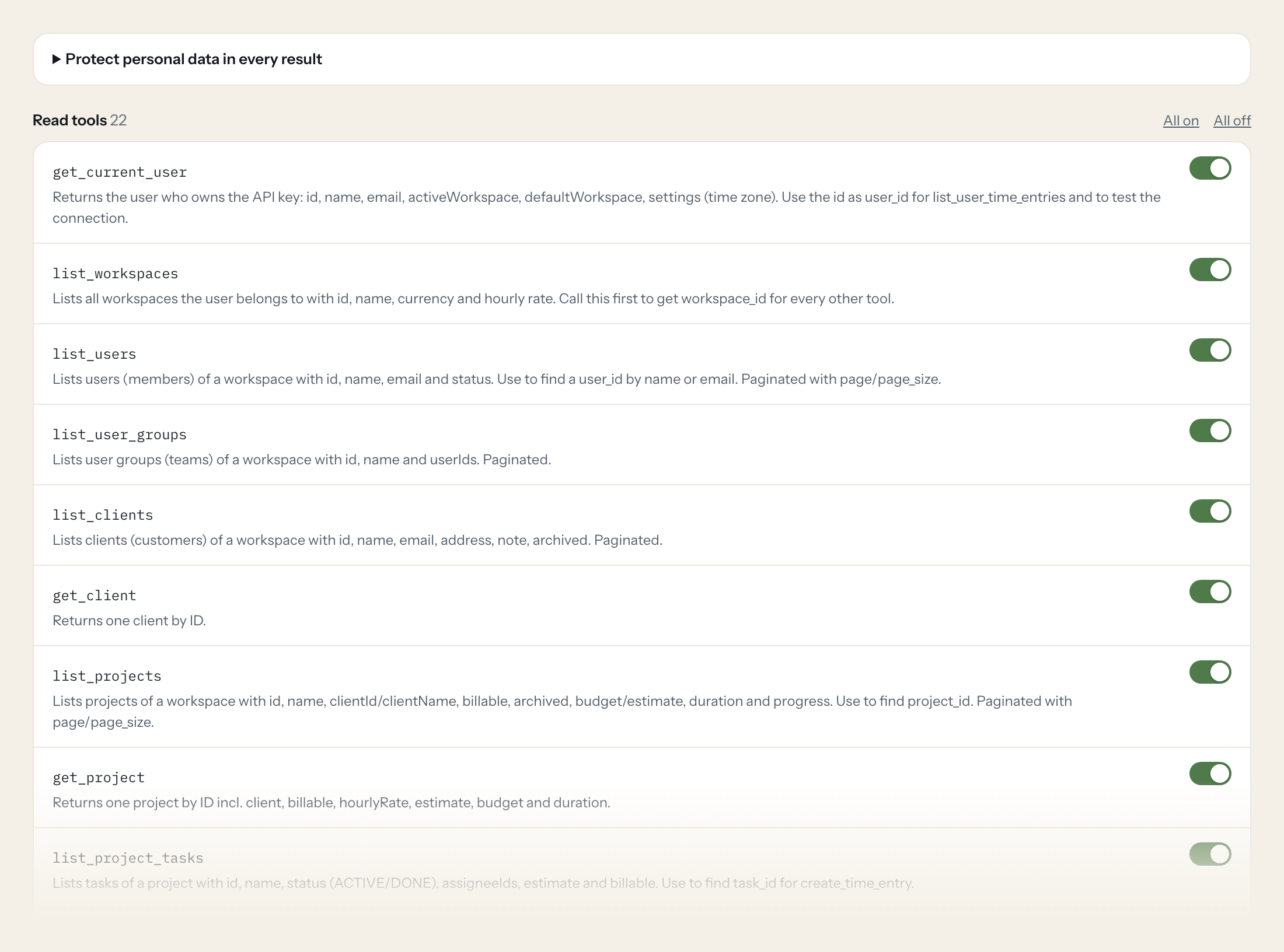
Twenty-two read tools cover workspaces, users and groups, clients, projects and tasks, tags, time entries per user, running timers, approval requests, expenses and categories, invoices with payments, time-off balances, holidays and schedule assignments. The three write tools, adding a time entry, creating a task and creating a client, stay off until you switch them on for a role.
- Project Management
“How many hours did Anna Meier log on the Huber AG relaunch in October, billable and non-billable?”
Answered by
list_user_time_entries - Team Lead
“Who is tracking time right now, and on what?”
Answered by
list_running_time_entries - Finance
“Which timesheet approval requests for September are still pending, and from whom?”
Answered by
list_approval_requests - Finance
“Which invoices are issued but not fully paid, with open balance and due date?”
Answered by
list_invoices - Management
“Which projects are over 80 percent of their budget or estimate?”
Answered by
list_projects - Project Management
“Create a task 'QA round 2' on the Huber AG relaunch project.”
Answered by
create_task
What the Clockify connector can do.
| Tool | What it does | Access | Default |
|---|---|---|---|
| get_current_user | Returns the user who owns the API key: id, name, email, activeWorkspace, defaultWorkspace, settings (time zone). Use the id as user_id for list_user_time_entries and to test the… | Read | On |
| list_workspaces | Lists all workspaces the user belongs to with id, name, currency and hourly rate. Call this first to get workspace_id for every other tool. | Read | On |
| list_users | Lists users (members) of a workspace with id, name, email and status. Use to find a user_id by name or email. | Read | On |
| list_user_groups | Lists user groups (teams) of a workspace with id, name and userIds. Paginated. | Read | On |
| list_clients | Lists clients (customers) of a workspace with id, name, email, address, note, archived. Paginated. | Read | On |
| get_client | Returns one client by ID. | Read | On |
| list_projects | Lists projects of a workspace with id, name, clientId/clientName, billable, archived, budget/estimate, duration and progress. Use to find project_id. | Read | On |
| get_project | Returns one project by ID incl. client, billable, hourlyRate, estimate, budget and duration. | Read | On |
| list_project_tasks | Lists tasks of a project with id, name, status (ACTIVE/DONE), assigneeIds, estimate and billable. Use to find task_id for create_time_entry. | Read | On |
| list_tags | Lists tags of a workspace with id, name and archived. Use to resolve tag IDs. | Read | On |
| list_user_time_entries | Lists time entries of ONE user in a workspace (newest first) with description, timeInterval (start, end, duration as ISO 8601 like PT1H30M), projectId, taskId, tagIds, billable.… | Read | On |
| get_time_entry | Returns one time entry by ID. | Read | On |
| list_running_time_entries | Lists all currently running timers in the workspace (who is tracking what right now). Usually needs admin rights. | Read | On |
| list_approval_requests | Lists timesheet/expense approval requests with status, user and period. Use to check what is pending approval. | Read | On |
| list_expenses | Lists expenses of a workspace with date, amount, category, project and user. Paginated. | Read | On |
| list_expense_categories | Lists expense categories with id, name, unit price settings and archived. | Read | On |
| list_invoices | Lists invoices created in Clockify with number, client, issue/due date, amount, balance and status. Requires the invoicing feature (paid plan). | Read | On |
| get_invoice | Returns one invoice with its line items, taxes, discount and totals. | Read | On |
| list_invoice_payments | Lists payments recorded on an invoice (date, amount, note). | Read | On |
| get_user_time_off_balances | Returns the time-off balances (per policy: total, used, balance) of a user. Requires the time-off feature. | Read | On |
| list_holidays_in_period | Lists holidays assigned to a user within a period. Requires the time-off feature. | Read | On |
| list_schedule_assignments | Lists scheduled (planned) assignments of users to projects in a period. Requires the scheduling feature. | Read | On |
| create_time_entry | WRITE: Adds a time entry for the user who owns the API key. Without 'end' a running timer is started. | Write | Off |
| create_task | WRITE: Creates a new task on a project. | Write | Off |
| create_client | WRITE: Creates a new client in the workspace. | Write | Off |
Write tools are off for every role until you switch them on, one tool for one role. The names are what the model sees; it also gets the full parameter description of each tool.
Getting the Clockify token.
Five minutes, once. Nobody on your team ever sees it.
- 1
Log in to Clockify as the user Loopthink should act as.
- 2
Open Profile settings (Preferences) > Advanced and click 'Manage API keys'.
- 3
Click 'Generate new', give the key a name (e.g. 'Loopthink') and confirm.
- 4
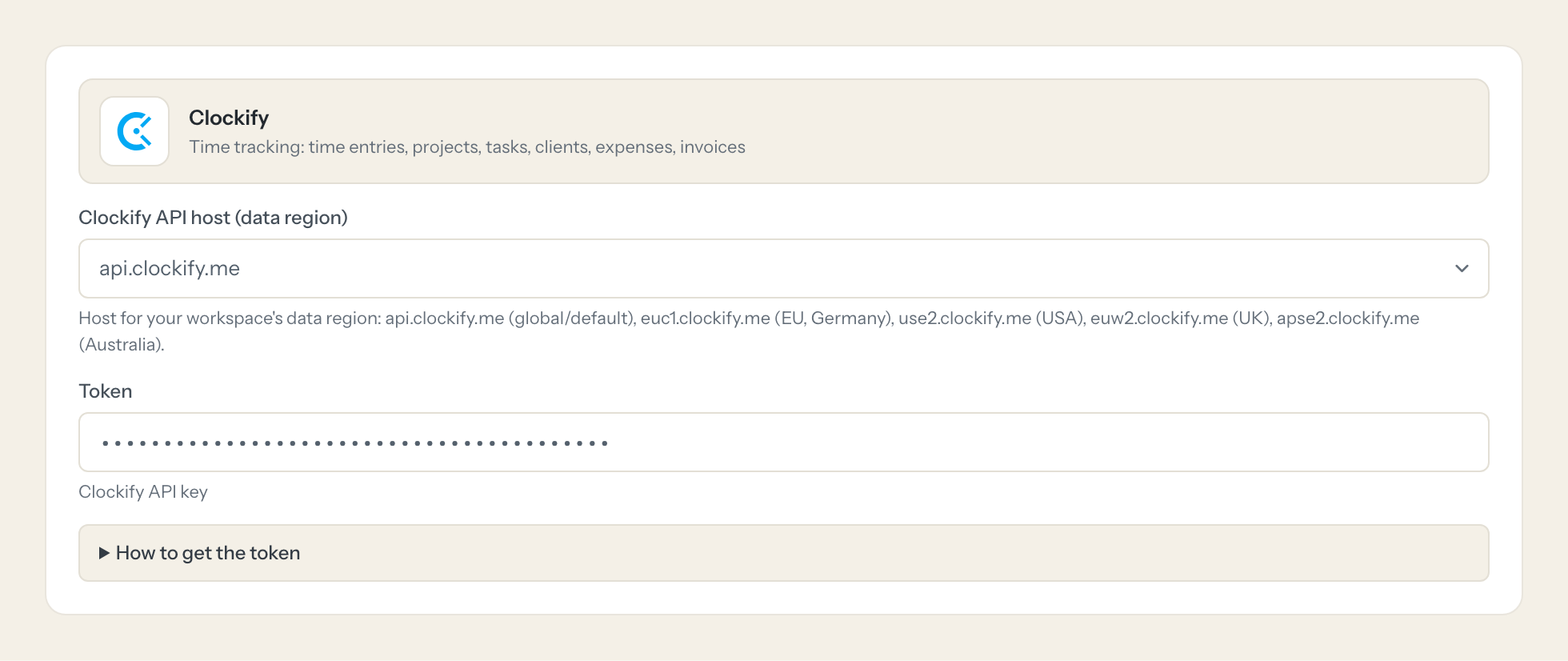
Copy the key. Pick the API host matching your workspace's data region.
- 5
In Loopthink, add Clockify from the catalog and paste the token. It also asks for clockify api host (data region). Your team sees the tools a minute later.
The API key acts as its user and inherits that user's role. Workspace-wide reads (all users' time entries, running timers, approvals, invoices) need an admin or manager. create_time_entry always books for the key's user. Free plan: API limited to about 30 requests per hour per workspace; paid plans 50 requests/second.
What we suggest masking in Clockify.
Clockify ties every hour to a person and often to a price: user names and emails, client addresses and notes, phone numbers, hourly and cost rates, profile pictures. The suggested fields mask those and keep durations, projects, tasks, billable flags, statuses and invoice totals, which is what a capacity or billing question needs. A Team Lead sees 38 hours on the relaunch last week without anyone's cost rate in the answer.
- name
- address
- note
- phone
- hourlyRate
- costRate
- profilePicture
- userEmail
- userName
Clockify and Loopthink
- Which user should create the API key?
- The key has no scopes and inherits the full role of its user. Workspace-wide reads such as all users' time entries, running timers, approvals and invoices need an admin or manager, so create a dedicated user with that role and use its key. The connector itself exposes only read tools by default.
- What is the API host for?
- Your workspace's data region. Pick api.clockify.me for the global default, euc1.clockify.me for the EU region in Germany, use2.clockify.me for the USA, euw2.clockify.me for the UK or apse2.clockify.me for Australia. A key on the wrong host does not find the workspace.
- Who gets the hours when the AI books time?
- Always the user who owns the API key. create_time_entry cannot book for someone else, and without an end time it starts a running timer. That is why most teams leave the tool off and use the connector for reading.
- Does every team member need their own Clockify account?
- No. Loopthink holds one key or token for Clockify. Your people sign in to Loopthink with their own identity, and every call to Clockify is logged under their name. Seats in Clockify stay where they are today.
- Where does the Clockify key live?
- In Loopthink, encrypted, in the EU. It never reaches the AI client and never reaches the people using the connector. Rotate it in Clockify whenever you like and paste the new one once.
- Can somebody write to Clockify from the chat?
- Not unless you switch it on. Write actions are a separate row in the permission matrix and are off for every role by default. If a role needs one write tool, you grant that one tool to that one role.
- What does the model see?
- The result of the tool call, after masking. Fields you mark as personal, such as emails, names or card details, are masked before the answer travels to the AI client. The model gets the numbers, not the people.
- What does it cost?
- Free for one person and two connectors, no card. Pro is €19 a month for up to five people and every connector on the site, with roles, field masking and a 30-day audit. Team is €49 for ten people and adds your own REST APIs and SQL databases, your own domain and your own identity provider. No call needed.
Stuck, or a tool you need is missing? A person who knows this connector answers within one working day.


