easybill in Claude, ChatGPT and any MCP client. For your whole team.
Documents, customers, payments, projects, time tracking. One token in Loopthink, one login per person, roles per tool and an audit entry for every call.
Free for 2 connectors, no card · Pro €19 · EU-hosted · 17 read tools, 1 write tools off by default
“Which invoices are unpaid and past due, with amount and customer?”
Three invoices are past due, 9,870 € in total:
| Invoice | Customer | Amount | Due |
|---|---|---|---|
| 2026-10482 | Nordwind Handel | 5,350.00 € | 18 Sep 2026 |
| 2026-10511 | Müller & Söhne GmbH | 2,760.00 € | 02 Oct 2026 |
| 2026-10536 | Acme GmbH | 1,760.00 € | 13 Oct 2026 |
- read-only
- logged
One token in, the tools come out.
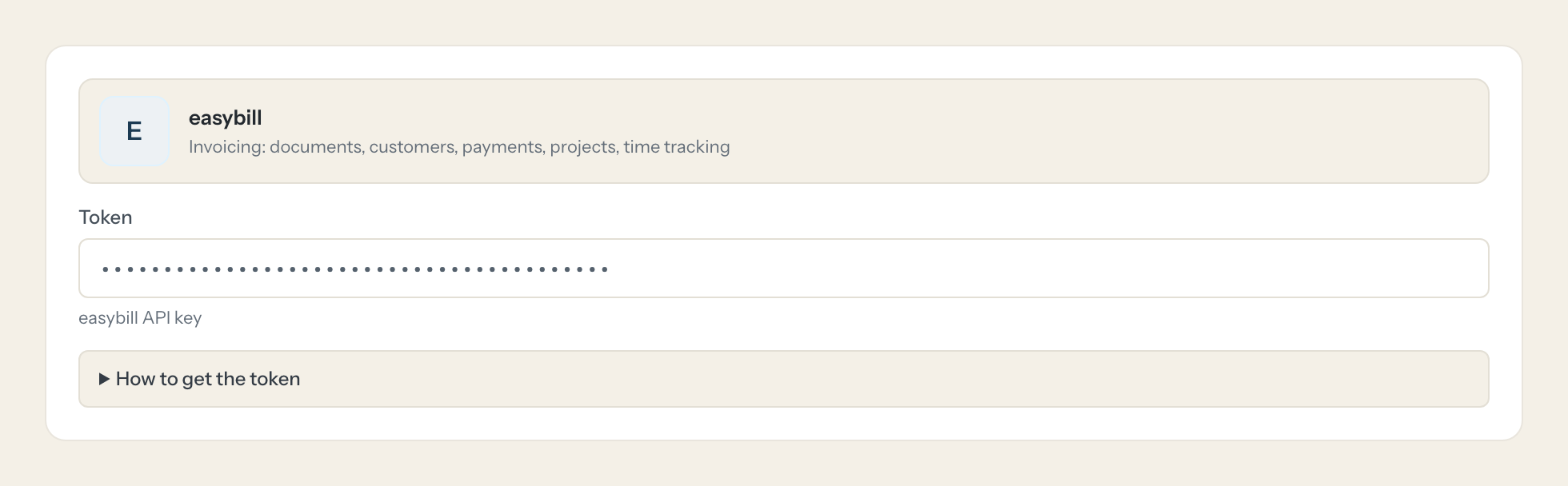
easybill is the invoicing behind a lot of online shops and service businesses: invoices, offers, credit notes, orders, delivery notes and reminders as documents, customers with contacts and groups, payments, SEPA mandates, projects and time tracking. The outbox even tells you whether a document was sent.
With the easybill connector, Finance, Support and Management ask in Claude or ChatGPT and get the answer from the live account. Loopthink holds one API key, every person signs in with their own identity, and every call is logged under their name.
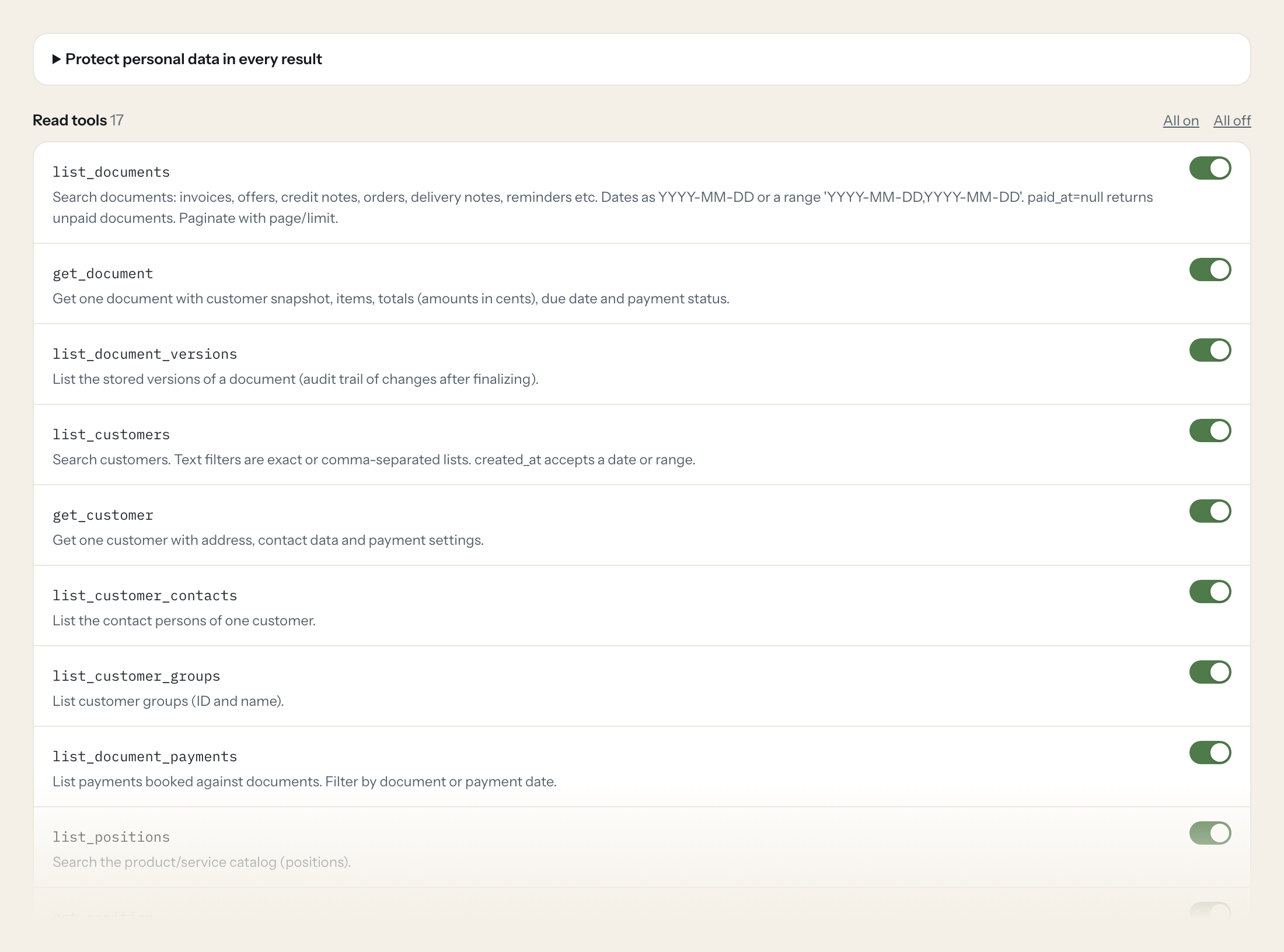
Seventeen read tools cover documents and their versions, customers, payments, the catalog, projects, time tracking, tasks, users, the outbox and SEPA payments. The one write tool, creating a document draft, stays off until you switch it on for a role.
- Finance
“Which invoices are unpaid and past due, with amount and customer?”
Answered by
list_documents - Support
“Was invoice 2026-10482 sent to the customer, and when?”
Answered by
list_post_boxes - Finance
“Payments booked last week, by document.”
Answered by
list_document_payments - Management
“How many invoices did we write per month this year, and for what total?”
Answered by
list_documents - Finance
“Which SEPA direct debits are pending for this month's invoices?”
Answered by
list_sepa_payments - Project lead
“Hours booked on the Nordwind project this month, by person.”
Answered by
list_time_trackings
What the easybill connector can do.
| Tool | What it does | Access | Default |
|---|---|---|---|
| list_documents | Search documents: invoices, offers, credit notes, orders, delivery notes, reminders etc. Dates as YYYY-MM-DD or a range 'YYYY-MM-DD,YYYY-MM-DD'. | Read | On |
| get_document | Get one document with customer snapshot, items, totals (amounts in cents), due date and payment status. | Read | On |
| list_document_versions | List the stored versions of a document (audit trail of changes after finalizing). | Read | On |
| list_customers | Search customers. Text filters are exact or comma-separated lists. | Read | On |
| get_customer | Get one customer with address, contact data and payment settings. | Read | On |
| list_customer_contacts | List the contact persons of one customer. | Read | On |
| list_customer_groups | List customer groups (ID and name). | Read | On |
| list_document_payments | List payments booked against documents. Filter by document or payment date. | Read | On |
| list_positions | Search the product/service catalog (positions). | Read | On |
| get_position | Get one catalog position with prices. | Read | On |
| list_projects | List projects, optionally per customer or status. | Read | On |
| get_project | Get one project with budget and hourly rate. | Read | On |
| list_time_trackings | List time tracking entries. Filter by user (login_id), project or date range. | Read | On |
| list_tasks | List tasks in easybill, optionally filtered. Returns task id, title, status and due date. | Read | On |
| list_logins | List easybill users (logins) with their IDs. | Read | On |
| list_post_boxes | List the outbox (sent or queued emails, faxes, letters) to check whether a document was sent. | Read | On |
| list_sepa_payments | List SEPA direct debit payments, optionally for one document. | Read | On |
| create_document_draft | WRITE: creates a new document as a draft (not finalized, not sent). Use list_customers to get customer_id. | Write | Off |
Write tools are off for every role until you switch them on, one tool for one role. The names are what the model sees; it also gets the full parameter description of each tool.
Getting the easybill token.
Five minutes, once. Nobody on your team ever sees it.
- 1
Log in to easybill and click the user icon top right.
- 2
Open 'Profil und Einstellungen' and go to the 'API Key' section.
- 3
Click 'Neuen Schlüssel generieren', then 'Speichern', and copy the key.
- 4
In Loopthink, add easybill from the catalog and paste the token. Your team sees the tools a minute later.
The key belongs to the user who generated it and has that user's rights. API access requires the PLUS or BUSINESS plan. Rate limit: 10 requests/min (PLUS) or 60 requests/min (BUSINESS).
What we suggest masking in easybill.
Customers in easybill carry email, phones, address, IBAN, BIC, SEPA mandate id, tax number and birth date. The suggested fields mask those and keep document numbers, amounts, dates and statuses. Amounts in easybill are cents; the tools say so, and the model converts.
- emails
- phone_1
- phone_2
- mobile
- fax
- first_name
- last_name
- street
- iban
- bic
- sepa_mandate_id
- tax_number
- vat_identifier
- address
- label_address
- birth_date
easybill and Loopthink
- Which easybill plan is needed?
- API access is part of the PLUS and BUSINESS plans. The rate limit differs: 10 requests per minute on PLUS, 60 on BUSINESS. A team of a few people asking questions fits on PLUS; a lot of parallel questions want BUSINESS.
- Whose rights does the key have?
- The key belongs to the user who generated it and has that user's rights. Generate it under a dedicated user with read rights where your plan allows.
- Can the AI finalise or send a document?
- No. The only write tool creates a draft. Finalising and sending stay in easybill.
- Does every team member need their own easybill account?
- No. Loopthink holds one key or token for easybill. Your people sign in to Loopthink with their own identity, and every call to easybill is logged under their name. Seats in easybill stay where they are today.
- Where does the easybill key live?
- In Loopthink, encrypted, in the EU. It never reaches the AI client and never reaches the people using the connector. Rotate it in easybill whenever you like and paste the new one once.
- Can somebody write to easybill from the chat?
- Not unless you switch it on. Write actions are a separate row in the permission matrix and are off for every role by default. If a role needs one write tool, you grant that one tool to that one role.
- What does the model see?
- The result of the tool call, after masking. Fields you mark as personal, such as emails, names or card details, are masked before the answer travels to the AI client. The model gets the numbers, not the people.
- What does it cost?
- Free for one person and two connectors, no card. Pro is €19 a month for up to five people and every connector on the site, with roles, field masking and a 30-day audit. Team is €49 for ten people and adds your own REST APIs and SQL databases, your own domain and your own identity provider. No call needed.
Stuck, or a tool you need is missing? A person who knows this connector answers within one working day.


