MOCO in Claude, ChatGPT and any MCP client. For your whole team.
Projects, time entries, invoices, offers, leads, planning. One token in Loopthink, one login per person, roles per tool and an audit entry for every call.
Free for 2 connectors, no card · Pro €19 · EU-hosted · 23 read tools, 2 write tools off by default
“How much of the budget on the Nordwind relaunch is used, and how many hours are unbilled?”
Nordwind relaunch as of 21 October 2026:
| Metric | Budget | Used | Remaining |
|---|---|---|---|
| Budget | 48,000 € | 36,920 € | 11,080 € |
| Hours | 520 h | 412.5 h | 107.5 h |
| Unbilled hours | 86.0 h |
- read-only
- logged
One token in, the tools come out.
MOCO is the operating system of an agency: projects with budgets and tasks, time entries, offers, invoices, deals, resource planning, absences and purchases. The questions come from every corner, "how much budget is left on the relaunch", "who is free next week", "which offers are still open", and MOCO answers each one on a different screen.
With the MOCO connector, Project leads, Finance, Sales and Management ask them in Claude or ChatGPT and get the answer from the live account. Loopthink holds one API key, every person signs in with their own identity, and every call is logged under their name.
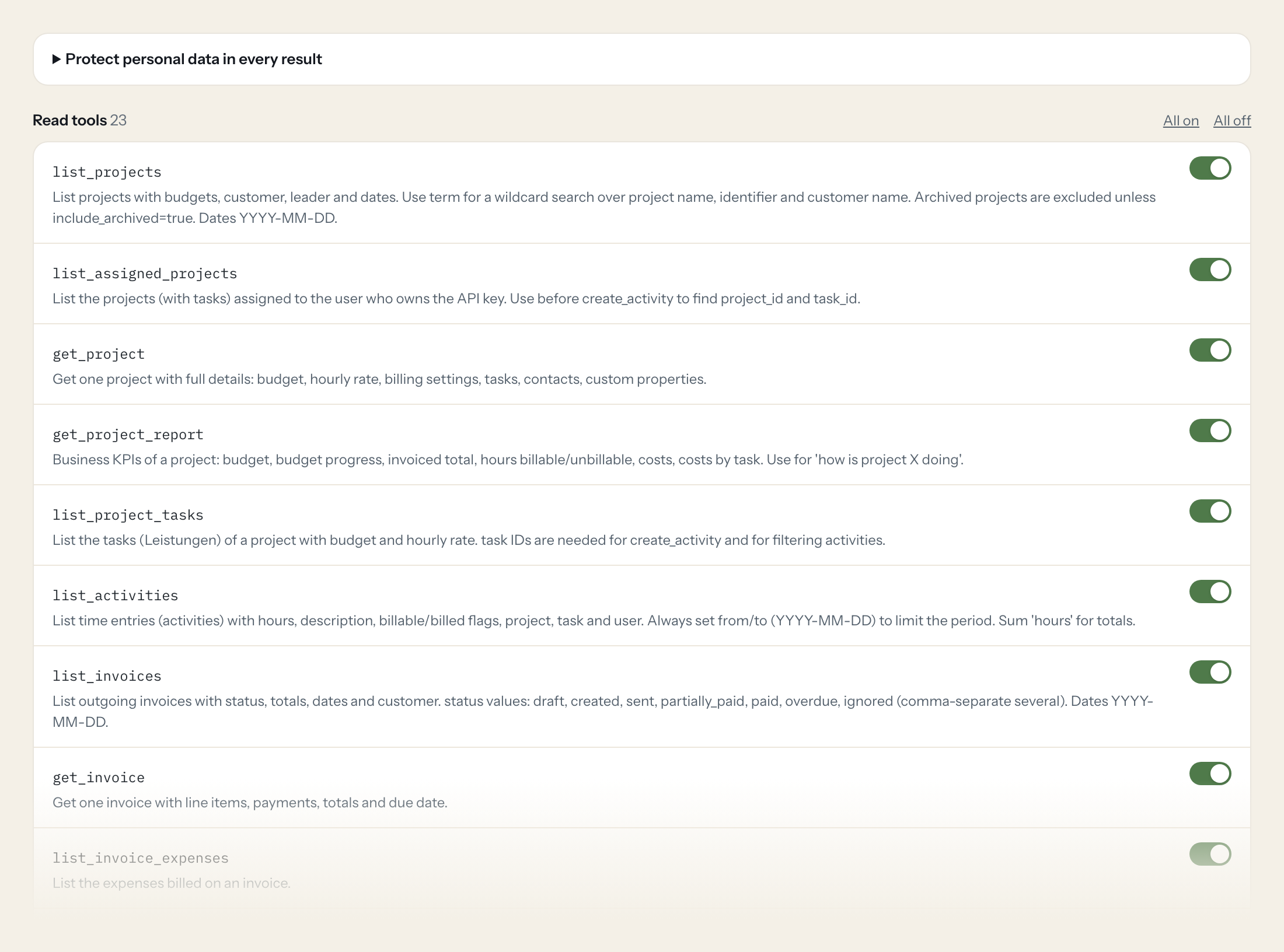
23 read tools cover projects and their reports, tasks, activities, invoices, offers, deals, companies, contacts, users, planning, absences, purchases and comments. The two write tools, booking a time entry and adding a comment, stay off until you switch them on for a role.
- Project lead
“How much of the budget on the Nordwind relaunch is used, and how many hours are unbilled?”
Answered by
get_project_report - Finance
“Which invoices are sent but unpaid, with amount and due date?”
Answered by
list_invoices - Sales
“Which offers over 15,000 are still open, and when were they sent?”
Answered by
list_offers - Management
“Pipeline: all deals with probability above 50 percent and their value.”
Answered by
list_deals - Resourcing
“Who is planned on which project next week, and who has days off?”
Answered by
list_planning_entries - Team member
“Book two hours on the Nordwind project, task "Concept", for today.”
Answered by
create_activity
What the MOCO connector can do.
| Tool | What it does | Access | Default |
|---|---|---|---|
| list_projects | List projects with budgets, customer, leader and dates. Use term for a wildcard search over project name, identifier and customer name. | Read | On |
| list_assigned_projects | List the projects (with tasks) assigned to the user who owns the API key. Use before create_activity to find project_id and task_id. | Read | On |
| get_project | Get one project with full details: budget, hourly rate, billing settings, tasks, contacts, custom properties. | Read | On |
| get_project_report | Business KPIs of a project: budget, budget progress, invoiced total, hours billable/unbillable, costs, costs by task. Use for 'how is project X doing'. | Read | On |
| list_project_tasks | List the tasks (Leistungen) of a project with budget and hourly rate. task IDs are needed for create_activity and for filtering activities. | Read | On |
| list_activities | List time entries (activities) with hours, description, billable/billed flags, project, task and user. Always set from/to (YYYY-MM-DD) to limit the period. | Read | On |
| list_invoices | List outgoing invoices with status, totals, dates and customer. status values: draft, created, sent, partially_paid, paid, overdue, ignored (comma-separate several). | Read | On |
| get_invoice | Get one invoice with line items, payments, totals and due date. | Read | On |
| list_invoice_expenses | List the expenses billed on an invoice. | Read | On |
| list_offers | List offers (Angebote). status: created, sent, accepted, partially_billed, billed, archived. | Read | On |
| get_offer | Get one offer with line items and totals. | Read | On |
| list_deals | List sales deals/leads with value, probability, status and reminder date. status: potential, pending, won, lost, dropped. | Read | On |
| get_deal | Get one deal with value, status, category and responsible user. | Read | On |
| list_companies | List companies: customers, suppliers or organizations. Use term to find a company by name and get its ID. | Read | On |
| get_company | Get one company with address, billing settings and custom properties. | Read | On |
| list_contacts | List contact persons. term searches name, firstname, work_email and company. | Read | On |
| get_contact | Get one contact person. | Read | On |
| list_users | List staff members (users). Use to resolve user IDs for activities, planning and reports. | Read | On |
| get_user_performance_report | Tracked hours vs. target hours, variation and absences for one user and year. | Read | On |
| list_planning_entries | List resource planning entries (who is planned on which project/deal, hours per day). period as YYYY-MM-DD:YYYY-MM-DD. | Read | On |
| list_schedules | List absences (holidays, sick days, public holidays). absence_code: 1 unplannable absence, 2 public holiday, 3 sick day, 4 holiday, 5 absence (comma-separate several). | Read | On |
| list_purchases | List incoming purchases/expense receipts (Ausgaben). status: pending (inbox) or archived. | Read | On |
| list_comments | List comments/notes on an object. commentable_type e.g. | Read | On |
| create_activity | WRITE: Creates a time entry for the user who owns the API key. Get project_id/task_id from list_assigned_projects or list_project_tasks. | Write | Off |
| create_comment | WRITE: Adds a comment/note to a project, company, contact, deal, offer, invoice etc. | Write | Off |
Write tools are off for every role until you switch them on, one tool for one role. The names are what the model sees; it also gets the full parameter description of each tool.
Getting the MOCO token.
Five minutes, once. Nobody on your team ever sees it.
- 1
Recommended: as admin open Settings > Extensions > API & Webhooks (Einstellungen > Erweiterungen > API & Webhooks).
- 2
Create an account API key and choose read-only access (or full access if write tools are needed).
- 3
Copy the key. Alternative: a personal key under Profile > Integrations.
- 4
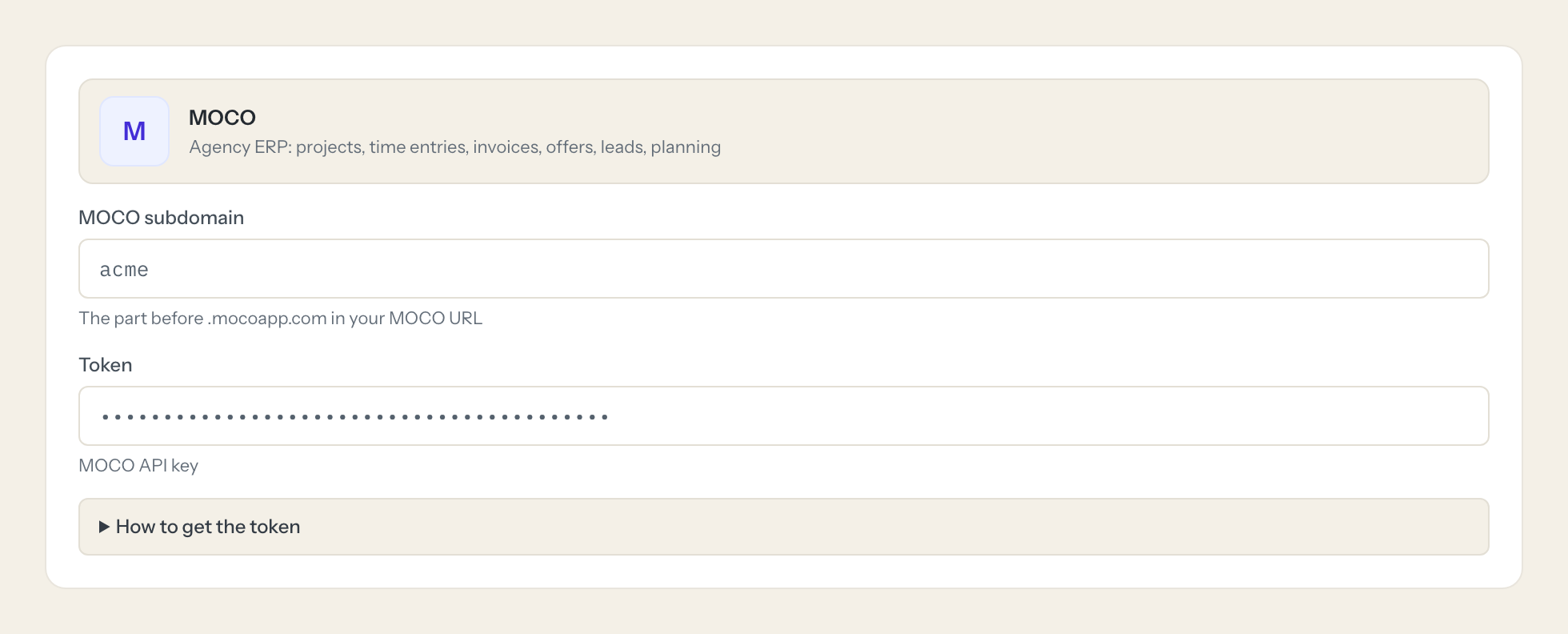
In Loopthink, add MOCO from the catalog and paste the token. It also asks for moco subdomain. Your team sees the tools a minute later.
A personal key from Profile > Integrations has the rights of that user; create_activity books time for the key's user. MOCO also accepts 'Authorization: Token token=<key>'; Bearer is used here. Rate limit 120 requests per 2 minutes (1200 on the Unlimited plan).
What we suggest masking in MOCO.
MOCO mixes client data with staff data: private and work emails, phone numbers, home addresses, birthdays, IBANs and billing notes. The suggested fields mask those and keep budgets, hours, amounts, dates and statuses, so a budget question in the chat never shows a colleague's home address.
- work_email
- home_email
- billing_email_cc
- phone
- work_phone
- mobile_phone
- fax
- work_fax
- address
- work_address
- home_address
- birthday
- iban
- firstname
- lastname
- info
- billing_notes
- vat_identifier
MOCO and Loopthink
- Personal key or account key?
- For the read tools an account API key with read-only access is the better choice. A personal key from Profile > Integrations acts as that user; it is what create_activity needs, since a time entry is always booked for the key's user.
- What is the MOCO subdomain the connector asks for?
- The part before .mocoapp.com in your MOCO URL. If you sign in at acme.mocoapp.com, the subdomain is acme.
- Is there a rate limit?
- MOCO allows 120 requests per two minutes, 1,200 on the Unlimited plan. One question usually needs one to three calls, so a team fits comfortably.
- Does every team member need their own MOCO account?
- No. Loopthink holds one key or token for MOCO. Your people sign in to Loopthink with their own identity, and every call to MOCO is logged under their name. Seats in MOCO stay where they are today.
- Where does the MOCO key live?
- In Loopthink, encrypted, in the EU. It never reaches the AI client and never reaches the people using the connector. Rotate it in MOCO whenever you like and paste the new one once.
- Can somebody write to MOCO from the chat?
- Not unless you switch it on. Write actions are a separate row in the permission matrix and are off for every role by default. If a role needs one write tool, you grant that one tool to that one role.
- What does the model see?
- The result of the tool call, after masking. Fields you mark as personal, such as emails, names or card details, are masked before the answer travels to the AI client. The model gets the numbers, not the people.
- What does it cost?
- Free for one person and two connectors, no card. Pro is €19 a month for up to five people and every connector on the site, with roles, field masking and a 30-day audit. Team is €49 for ten people and adds your own REST APIs and SQL databases, your own domain and your own identity provider. No call needed.
Stuck, or a tool you need is missing? A person who knows this connector answers within one working day.

