 Tasks connector
Todoist in Claude, ChatGPT and any MCP client. For your whole team.
Tasks, projects, sections, labels, comments, completed tasks. One token in Loopthink, one login per person, roles per tool and an audit entry for every call.
Free for 2 connectors, no card · Pro €19 · EU-hosted · 14 read tools, 5 write tools off by default
“Which tasks in #Launch are overdue or due today, sorted by priority?”
Three tasks in #Launch are overdue or due today:
| Task | Due | Priority | Assignee |
|---|---|---|---|
| Finalize press kit | 19 Oct 2026 | P1 | N. Fischer |
| Approve launch email | 21 Oct 2026 | P1 | S. Keller |
| Update pricing page screenshots | 20 Oct 2026 | P2 | T. Novak |
- read-only
- logged
One token in, the tools come out.
Todoist is where a team's to-dos live: projects and their sections, open tasks with due dates and priorities, labels, comments and the record of what got done. The questions are everyday ones, "what is overdue in the launch project", "what did we close last week", but today they take the right filter string and a scroll through each project.
With the Todoist connector, Project Management, Operations and Team Leads ask in Claude or ChatGPT and get the answer from the live account. Loopthink holds one personal API token, every person signs in with their own identity, and every call is logged under their name. The token never reaches the AI client.
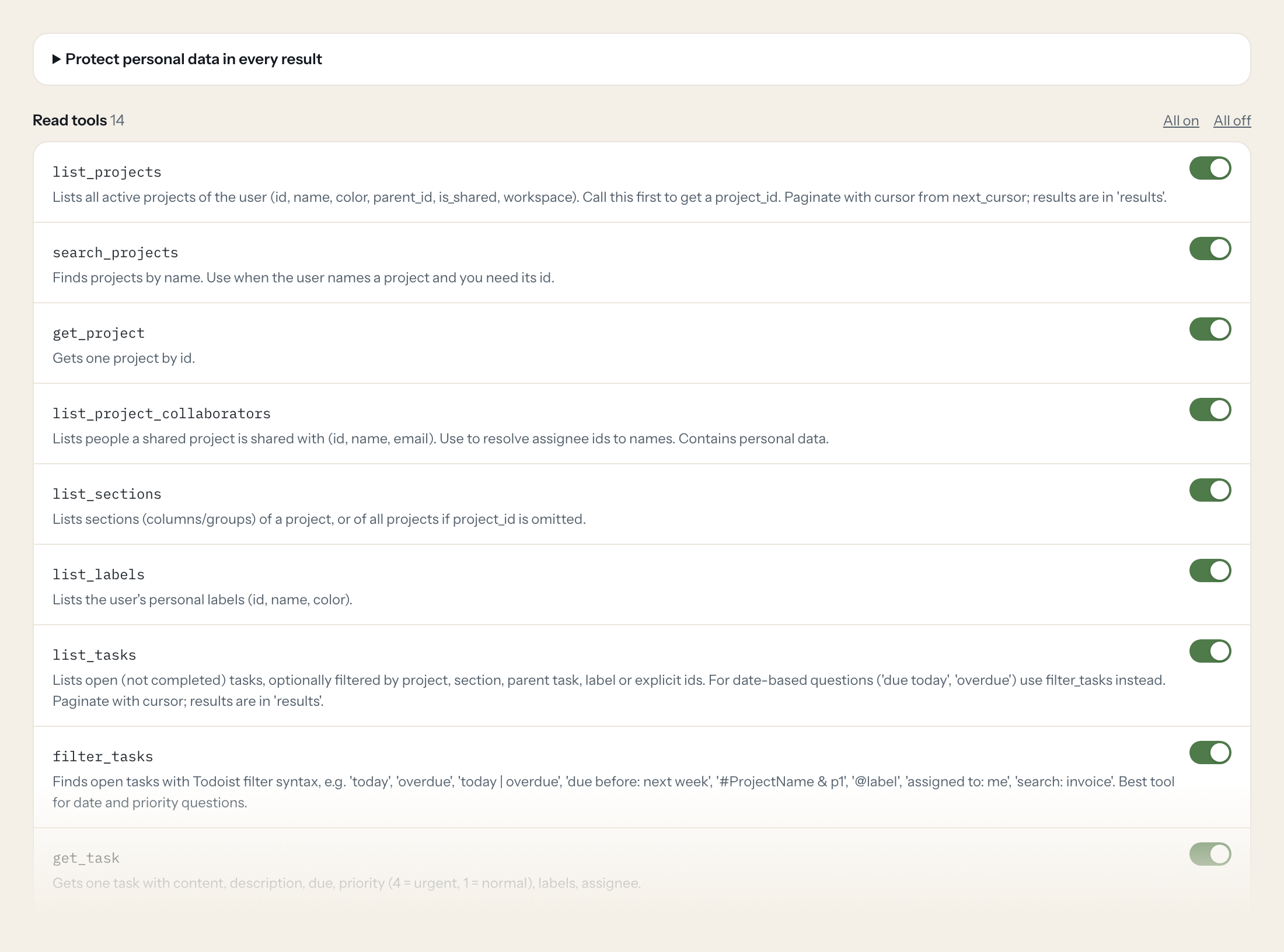
Fourteen read tools cover projects and their collaborators, sections, labels, open tasks with Todoist filter syntax, single tasks, completed tasks by completion or due date, comments and the token owner's profile. The five write tools, creating, quick-adding, updating and closing a task and adding a comment, stay off until you switch them on for a role.
- Project Management
“Which tasks in #Launch are overdue or due today, sorted by priority?”
Answered by
filter_tasks - Team Lead
“What got completed in the Website project between 1 and 15 October?”
Answered by
list_completed_tasks_by_completion_date - Operations
“Which tasks that were due last week are still open, and who is assigned?”
Answered by
list_tasks - Project Management
“List the sections of the Trade Fair project and how many open tasks each one has.”
Answered by
list_sections - Team Lead
“What was discussed in the comments on the task 'Finalise supplier contract'?”
Answered by
list_comments - Operations
“Add a task: Call Huber AG about the delayed delivery tomorrow 9am #Suppliers p2.”
Answered by
quick_add_task
What the Todoist connector can do.
| Tool | What it does | Access | Default |
|---|---|---|---|
| list_projects | Lists all active projects of the user (id, name, color, parent_id, is_shared, workspace). Call this first to get a project_id. | Read | On |
| search_projects | Finds projects by name. Use when the user names a project and you need its id. | Read | On |
| get_project | Gets one project by id. | Read | On |
| list_project_collaborators | Lists people a shared project is shared with (id, name, email). Use to resolve assignee ids to names. | Read | On |
| list_sections | Lists sections (columns/groups) of a project, or of all projects if project_id is omitted. | Read | On |
| list_labels | Lists the user's personal labels (id, name, color). | Read | On |
| list_tasks | Lists open (not completed) tasks, optionally filtered by project, section, parent task, label or explicit ids. For date-based questions ('due today', 'overdue') use filter_tasks… | Read | On |
| filter_tasks | Finds open tasks with Todoist filter syntax, e.g. 'today', 'overdue', 'today | overdue', 'due before: next week', '#ProjectName & p1', '@label', 'assigned to: me', 'search: invo… | Read | On |
| get_task | Gets one task with content, description, due, priority (4 = urgent, 1 = normal), labels, assignee. | Read | On |
| list_completed_tasks_by_completion_date | Lists tasks completed within a time window (what got done). since/until as ISO 8601 datetime, e.g. | Read | On |
| list_completed_tasks_by_due_date | Lists completed tasks whose due date lies in a window (e.g. 'which tasks due last week were done'). | Read | On |
| list_comments | Lists comments of a task or a project. Pass exactly one of task_id or project_id. | Read | On |
| get_comment | Gets one comment by id. | Read | On |
| get_user | Returns the token owner's profile (id, name, timezone, start_day). Use to know 'me' and the timezone for date questions. | Read | On |
| create_task | WRITE: Creates a new task. Without project_id it lands in the Inbox. | Write | Off |
| quick_add_task | WRITE: Creates a task from one line of text using Todoist quick-add syntax, e.g. 'Call Huber AG tomorrow 9am #Sales @phone p2'. | Write | Off |
| update_task | WRITE: Updates fields of an existing task (only the fields you pass change). Does not move tasks between projects. | Write | Off |
| close_task | WRITE: Marks a task as completed (recurring tasks move to the next date). | Write | Off |
| add_comment | WRITE: Adds a comment to a task or project. Pass exactly one of task_id or project_id. | Write | Off |
Write tools are off for every role until you switch them on, one tool for one role. The names are what the model sees; it also gets the full parameter description of each tool.
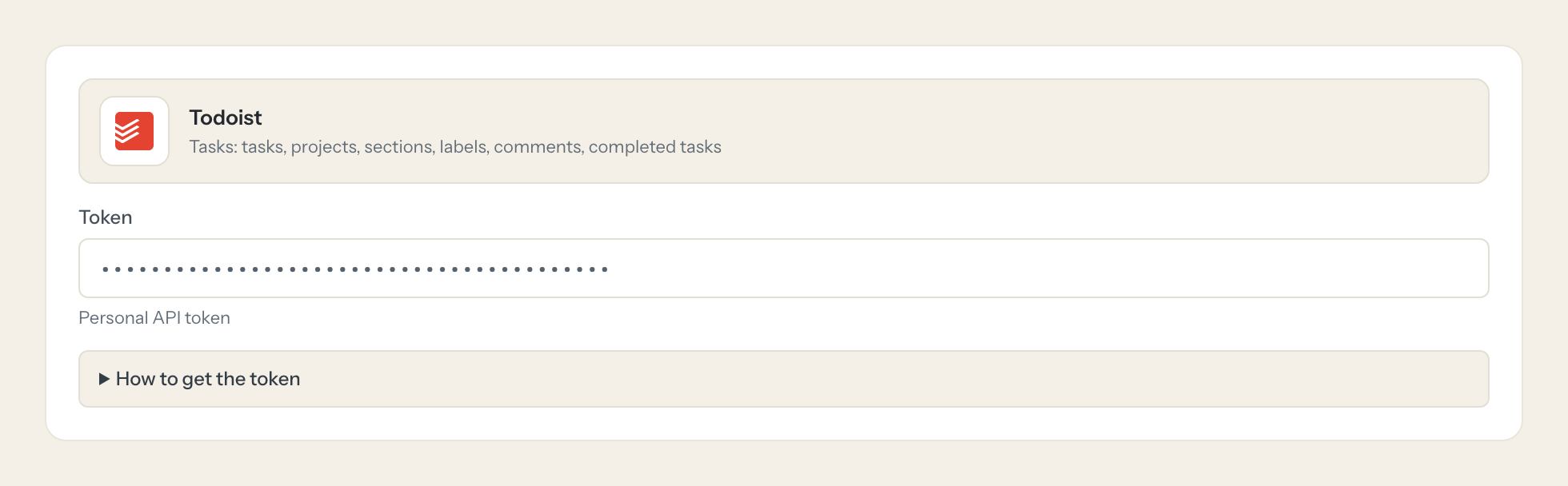
Getting the Todoist token.
Five minutes, once. Nobody on your team ever sees it.
- 1
Log in to Todoist (web or desktop) and open Settings.
- 2
Go to Integrations, then the Developer tab.
- 3
Copy the API token shown there.
- 4
In Loopthink, add Todoist from the catalog and paste the token. Your team sees the tools a minute later.
The personal API token has full read and write access to everything the user can see (no scopes). Use a dedicated Todoist account that is only shared into the relevant projects, and use Loopthink read-only tool selection to limit writes.
What we suggest masking in Todoist.
Tasks are written by and for people: collaborator names and email addresses, the ids of assignees, assigners and creators, and task content and descriptions that often name customers or colleagues. The suggested fields mask all of that and keep due dates, priorities, labels, sections, statuses and counts, so a Team Lead can see that 11 tasks in the launch project are overdue without reading who is behind each one.
- full_name
- name
- assignee_id
- assigner_id
- creator_id
- responsible_uid
- posted_uid
- content
- description
Todoist and Loopthink
- Todoist has no scopes. How do we limit what the token can do?
- The personal API token has full read and write access to everything its user can see. Use a dedicated Todoist account that is shared only into the relevant projects and use that account's token. The connector exposes read tools by default; the five write tools are off until you enable them for a role.
- How far back do completed tasks go?
- The API limits the window per request: roughly up to three months when listing by completion date and roughly six weeks when listing by due date. Ask for a specific period and the AI pages through it with the cursor.
- What can the write tools change?
- create_task and quick_add_task add tasks, update_task changes fields of an existing task but cannot move it to another project, close_task completes a task (recurring ones move to the next date) and add_comment posts a comment. No tool deletes tasks or projects.
- Does every team member need their own Todoist account?
- No. Loopthink holds one key or token for Todoist. Your people sign in to Loopthink with their own identity, and every call to Todoist is logged under their name. Seats in Todoist stay where they are today.
- Where does the Todoist key live?
- In Loopthink, encrypted, in the EU. It never reaches the AI client and never reaches the people using the connector. Rotate it in Todoist whenever you like and paste the new one once.
- Can somebody write to Todoist from the chat?
- Not unless you switch it on. Write actions are a separate row in the permission matrix and are off for every role by default. If a role needs one write tool, you grant that one tool to that one role.
- What does the model see?
- The result of the tool call, after masking. Fields you mark as personal, such as emails, names or card details, are masked before the answer travels to the AI client. The model gets the numbers, not the people.
- What does it cost?
- Free for one person and two connectors, no card. Pro is €19 a month for up to five people and every connector on the site, with roles, field masking and a 30-day audit. Team is €49 for ten people and adds your own REST APIs and SQL databases, your own domain and your own identity provider. No call needed.
Stuck, or a tool you need is missing? A person who knows this connector answers within one working day.


